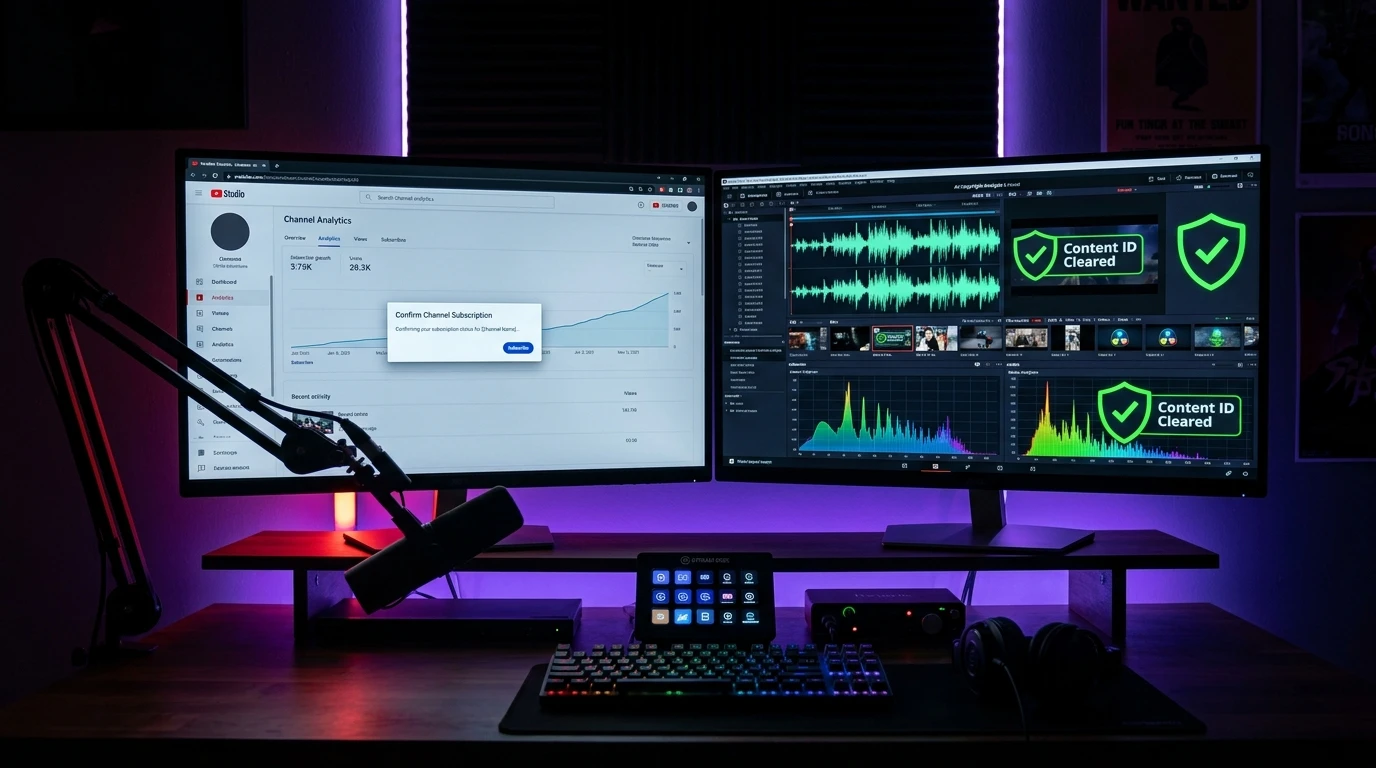
YouTube Creator Growth & Content Protection Masterclass
Reaching the coveted 1,000-subscriber monetization threshold requires two essential strategies: converting casual viewers into confirmed subscribers with an automatic 1k subscribe link youtube generator, and protecting your uploads from demonetization using a reliable youtube copyright checker online free utility. Here is your complete creator blueprint.
Table of Contents
- Why Every Creator Needs a 1K Subscribe Link
- How to Generate an Auto-Subscribe Confirmation Link
- Best Places to Deploy Your Auto-Subscribe Link for Maximum Growth
- Why Checking Copyright Before Publishing Is Critical
- How to Use the Free YouTube Video Copyright Checker
- Content ID Claims vs. Copyright Strikes: What You Must Know
- Standard License vs. Creative Commons (CC-BY) Compliance
- Frequently Asked Questions (FAQ)
Why Every Creator Needs a 1K Subscribe Link
Building a successful YouTube channel demands consistent audience retention and high conversion efficiency. When you share a standard channel URL (e.g., youtube.com/@YourHandle), visitors land on your channel homepage. They see your banner, channel trailer, and video grid, but they must actively spot the small red or white “Subscribe” button and choose to click it. Studies show that more than 70% of visitors get distracted and leave without subscribing.
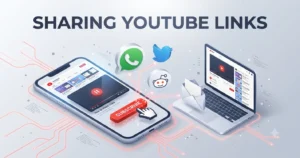
A dedicated 1k subscribe link youtube completely transforms this user experience. By appending the ?sub_confirmation=1 parameter to your channel handle or channel ID, you activate YouTube’s built-in confirmation prompt. The moment a user clicks your link, a dark overlay dims the screen and presents a prominent modal window with the direct question: “Confirm Channel Subscription?”
The Psychological Power of the Modal Box
By removing friction and presenting a single, clear binary choice (“Subscribe” or “Cancel”), creators typically see a 2.5x to 4x surge in conversion rates from off-platform traffic such as social media bios, blogs, and email newsletters.
How to Generate an Auto-Subscribe Confirmation Link
Creating your custom 1K subscribe link takes only seconds using our automated tool. Follow this simple walkthrough:
Method 1: Using the Neksio Subscribe Link Generator (Instant)
- Open the free YouTube Subscribe Link Generator.
-
Paste your YouTube channel URL, custom handle (e.g.,
@TechReviewMaster), or Channel ID into the input field. - Click “Generate Subscribe Link”. The tool automatically detects your URL structure, strips unnecessary query tracking codes, and appends the official confirmation trigger.
- Click “Copy Link” or test the preview button to verify the live subscription popup.
Method 2: Manual Formula Construction
If you prefer constructing your URL manually, simply attach ?sub_confirmation=1 to the end of your clean channel URL:
https://www.youtube.com/@YourChannelHandle?sub_confirmation=1
// For Channels using 24-character Channel IDs:
https://www.youtube.com/channel/UCxxxxxxxxx?sub_confirmation=1
Best Places to Deploy Your Auto-Subscribe Link for Maximum Growth
Do not simply leave your subscribe link on your channel banner. Maximize subscriber acquisition by placing it across these high-conversion channels:
- Video Descriptions (First 2 Lines): Place your auto-subscribe link above the fold before the “Show More” cutoff. Add a compelling Call-to-Action like “Subscribe for weekly tech guides → [Link]”.
- Pinned Comments: Whenever you publish a new video or YouTube Short, leave a helpful comment answering a viewer question, and pin it to the top with your 1K subscribe link.
- Social Media Bios (Instagram, TikTok, Twitter/X): Link aggregation services like Linktree or direct bio links should always point to your auto-confirmation URL.
- Website Header & Blog Author Bio: If you run a WordPress blog or tech portfolio, embed the subscribe link behind buttons in your navigation bar or sidebar widget.
Why Checking Copyright Before Publishing Is Critical
While growing your subscriber base is thrilling, nothing halts channel momentum faster than copyright penalties. Uploading copyrighted background music, sound effects, movie snippets, or broadcast sports highlights can trigger immediate Content ID blocks or copyright strikes.
Using a dedicated youtube copyright checker online free allows creators to audit video assets, verify whether a video uses a standard commercial broadcast license or Creative Commons license, and inspect geographic restriction boundaries before releasing content to the public.
How to Use the Free YouTube Video Copyright Checker
The YouTube Video Copyright Checker on Neksio Tools inspects video metadata through official API endpoints to give you deep diagnostic insights:
- Copy Target Video URL: Copy the full link of any public or unlisted YouTube video you want to examine.
- Paste into the Checker: Enter the link into the inspection bar and click “Check Copyright & License”.
-
Analyze the Diagnostic Report: In seconds, the tool generates a comprehensive breakdown including:
- Broadcast License Type: Standard YouTube License vs. Creative Commons (CC-BY).
- Embed Permission: Verifies if third-party websites can embed the video without copyright restrictions.
- Geographic Restrictions: Discloses country-specific blacklists or regional censorship blocks.
- Content ID Indicators: Flags registered audio fingerprints and syndicate network associations.
Audit Videos in Real Time with Zero Software Installation
Our serverless analyzer parses video schemas, Content ID hashes, and licensing rights in less than 2 seconds. Free for creators, editors, and digital agencies.
Content ID Claims vs. Copyright Strikes: What You Must Know
Many creators confuse Content ID claims with copyright strikes. Understanding the technical and legal distinction is crucial for long-term channel health:
Content ID Claim (Yellow / Neutral)
Generated automatically by YouTube’s Content ID database when audio or video snippets match registered media owned by music labels, film studios, or networks.
- Does NOT give your channel a copyright strike.
- Video usually stays live and visible to viewers.
- Ad revenue is typically shared with or claimed by the rights holder.
Copyright Strike (Red / Critical)
Issued when a copyright owner submits a formal legal DMCA takedown notice requesting YouTube to take down your video immediately.
- Video is forcefully removed from YouTube.
- First strike: 1-week upload and livestreaming freeze.
- Three strikes within 90 days results in permanent account termination.
Standard License vs. Creative Commons (CC-BY) Compliance
When repurposing clips for commentary, reactions, or educational explainers, knowing the underlying license protects your channel from unexpected takedowns:
- Standard YouTube License: Grants YouTube broadcasting rights while retaining all exclusive copyright ownership with the original uploader. You cannot legally re-upload, sample, or remix this content without written authorization or defensible Fair Use doctrine compliance.
- Creative Commons Attribution License (CC-BY): Allows other creators to reuse, edit, and incorporate the footage into new works—even commercially—provided that appropriate credit and attribution are given to the original creator in your description.
Frequently Asked Questions (FAQ)
Can using an auto-subscribe link violate YouTube Community Guidelines?
No. The ?sub_confirmation=1 parameter is an official feature engineered directly by Google and YouTube. It is fully compliant with YouTube’s Terms of Service because the user must actively click “Subscribe” to confirm the action.
How can I test if my video has copyright claims before publishing?
Always upload new videos as “Unlisted” or “Private” at least 2 hours before your public schedule. YouTube’s automated Content ID system scans unlisted videos during the “Checks” processing phase. You can also run the unlisted URL through our YouTube Video Copyright Checker for an instant external audit.
Does Neksio Tools charge any fees or require account registration?
No. All creator utilities on Neksio Tools, including the Subscribe Link Generator, Copyright Checker, and Channel ID Finder, are completely free with no registration or credit card required.
Accelerate Your YouTube Channel Today
Combine automated subscriber growth with bulletproof copyright auditing. Explore Neksio’s free suite of creator tools designed to scale your channel safely.