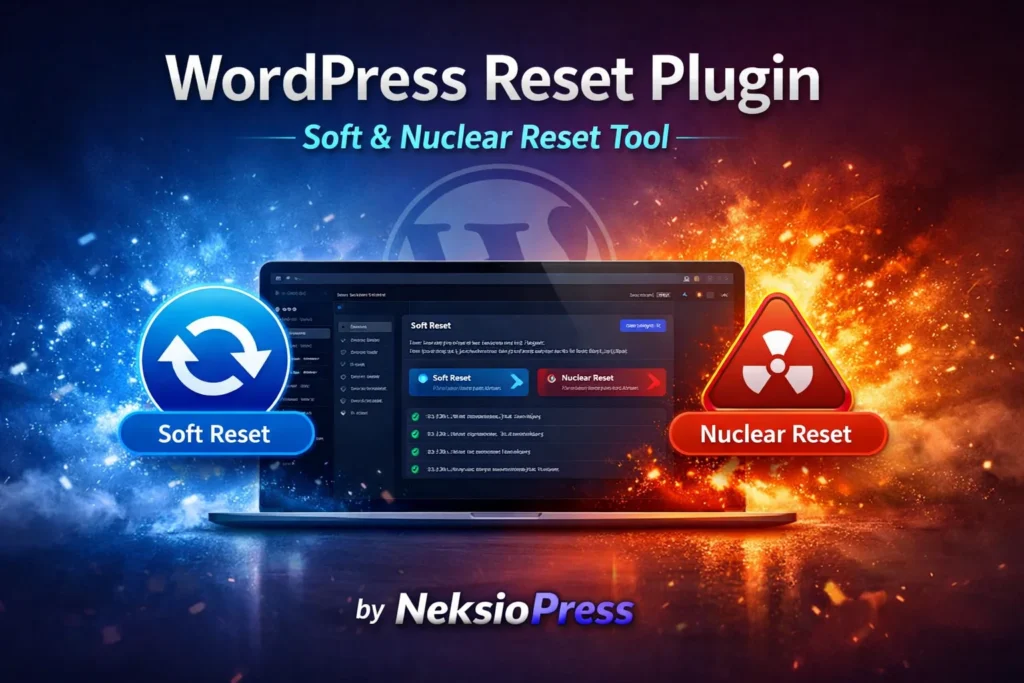
NeksioPress — The Enterprise
WordPress Reset Plugin
Perform a professional WordPress database reset without deleting a single file. Recover from failed updates, clean staging environments, and handle WordPress admin recovery with surgical precision.
WordPress Sites Get Messy Fast
Manual database cleanup is risky and time-consuming. NeksioPress provides a safe, enterprise-grade way to reset WordPress without reinstalling from scratch.
Plugin Overload
Leftover plugin settings haunt your database long after uninstallation, causing silent conflicts and slow queries.
Database Bloat
Thousands of stale transients and orphaned metadata silently degrade your query performance over months.
Admin Lockouts
Custom code or theme errors can break login access entirely. Fast-track WordPress admin recovery in seconds.
Staging Reset
Clean up client staging WordPress environments instantly to start fresh — no file reinstall or FTP access needed.
The Most Advanced WordPress Reset Plugin
Built for developers who demand control, speed, and safety across every reset operation.
Soft WordPress Reset
Clears core options and transients while keeping your themes, plugins, and media files perfectly intact. Ideal for bug hunting and performance recovery.
Nuclear Reset Mode
Wipes all database tables, content, and customizations for a true factory reset — the cleanest start for new projects without reinstalling WordPress files.
Integrity Check
Scans core WordPress files against official checksums to detect unauthorized modifications or file corruption before you execute any reset action.
Transient Manager
Target specific cached data causing stubborn front-end bugs without triggering a full reset. Surgical precision, zero collateral damage.
Smart Purge
Safely removes orphaned metadata from deactivated plugins cluttering the wp_options table and dragging down your admin panel speed.
Safety Snapshot
Automatically creates a mini-backup of essential tables before any reset action is finalized — your safety net for every single operation.
Soft Reset vs Nuclear Reset
Understand exactly which mode fits your situation before executing any database action.
| Capability | 🧹 Soft WordPress Reset Recommended | 💣 Nuclear WordPress Reset Advanced |
|---|---|---|
| Preserve Media Library | ✔ Yes | ✖ No |
| Clear All DB Transients | ✔ Yes | ✔ Yes |
| Delete Custom Tables | ◎ Optional | ⚡ Full Wipe |
| Preserve Active Theme | ✔ Yes | ✖ No |
| Reset User Roles | ◎ Optional | Default Only |
| Reset WordPress Without Reinstalling | ✔ Yes | ✔ Yes |
| Multisite / Staging Reset WordPress | ✔ Yes | ✔ Yes |
| Safety Snapshot Before Reset | ✔ Auto | ✔ Auto |
| Best For | Bug Hunting & Performance Cleanup | New Project Start |
Reset WordPress Site Safely
A three-step failsafe process engineered to prevent accidental data loss at every stage.
Type RESET to Confirm
No accidental clicks. To authorize any destructive action, you must manually type the word "RESET" into the confirmation field — a human gate by design.
Safety LockChoose Your Mode
Select between Soft Reset, Custom, or Nuclear WordPress Reset depending on how much of your database and content you want to purge.
Full ControlAutomatic Recovery
NeksioPress cleans the database, re-creates the admin account if needed, and logs you back in automatically to your fresh WordPress dashboard.
Auto Login
Stop Manual
Database Drops Today
Join thousands of developers using NeksioPress for reliable WordPress maintenance, staging resets, and admin recovery across their entire client portfolio.
Frequently Asked Questions
Everything you need to know before running your first WordPress reset operation.