⏱️ Estimated Reading Time: 7 minutes
CNIC Print Template: Free A4 Layout for Front & Back CNIC Printing
Finding the perfect CNIC print template can save you hours of frustration in Microsoft Word or Photoshop. When applying for bank accounts, passports, or university admissions in Pakistan, institutions strictly enforce a specific CNIC print format. If your template is even slightly off in size or layout, your application will be rejected.
Manually setting margins, adjusting image dimensions to 85.6mm × 54mm, and aligning the front and back on a single A4 page is tedious and prone to errors. This is exactly why a pre-formatted, accurate CNIC print template is essential. In this guide, we will provide the exact layout specifications, a visual diagram of the correct format, and show you how to generate a flawless template instantly using our free tool.
Whether you are a student, a professional, or an overseas Pakistani, this guide will ensure your CNIC print format meets the exact standards required by the State Bank of Pakistan and NADRA.
📌 Quick Summary: CNIC Print Template Specs
- Page Size: A4 (210mm × 297mm)
- Card Size: 85.6mm × 54mm (ISO ID-1)
- Layout: Front on top, Back on bottom, single page
- Margins: 25mm top/bottom, centered horizontally
- Format: PDF or High-Res JPG
📑 Table of Contents
- What is a CNIC Print Template?
- Standard CNIC Print Format and A4 Template Layout
- Visual Diagram: The Perfect A4 Layout
- Exact Dimensions for the Template
- How to Use the CNIC Print Template
- Why the Correct CNIC Print Format Matters
- Common Formatting Mistakes
- Word/Photoshop vs. Online Template Generator
- Related Tools & Resources
- Frequently Asked Questions
- Conclusion
What is a CNIC Print Template?
A CNIC print template is a pre-designed digital layout that ensures your National Identity Card images are placed, sized, and formatted exactly according to official Pakistani standards. Instead of manually dragging and dropping images in a word processor, a template provides the exact margins, spacing, and dimensions required for a flawless print.
Using a standardized CNIC print template guarantees that:
- The CNIC is not stretched or distorted.
- The front and back are perfectly aligned on one A4 sheet.
- The text, CNIC number, and holograms remain highly legible.
- The document is instantly accepted by banks, NADRA, and government offices.
Standard CNIC Print Format and A4 Template Layout
The CNIC print format mandated by the State Bank of Pakistan (SBP) and NADRA is highly specific. When you use a professional CNIC print template, it automatically adheres to the following layout rules:
1. Page Orientation and Size
The template must be set to A4 paper size (210mm × 297mm) in Portrait orientation. Using Letter size (8.5″ × 11″) can cause slight misalignments when printed in Pakistan, where A4 is the strict standard.
2. Card Placement
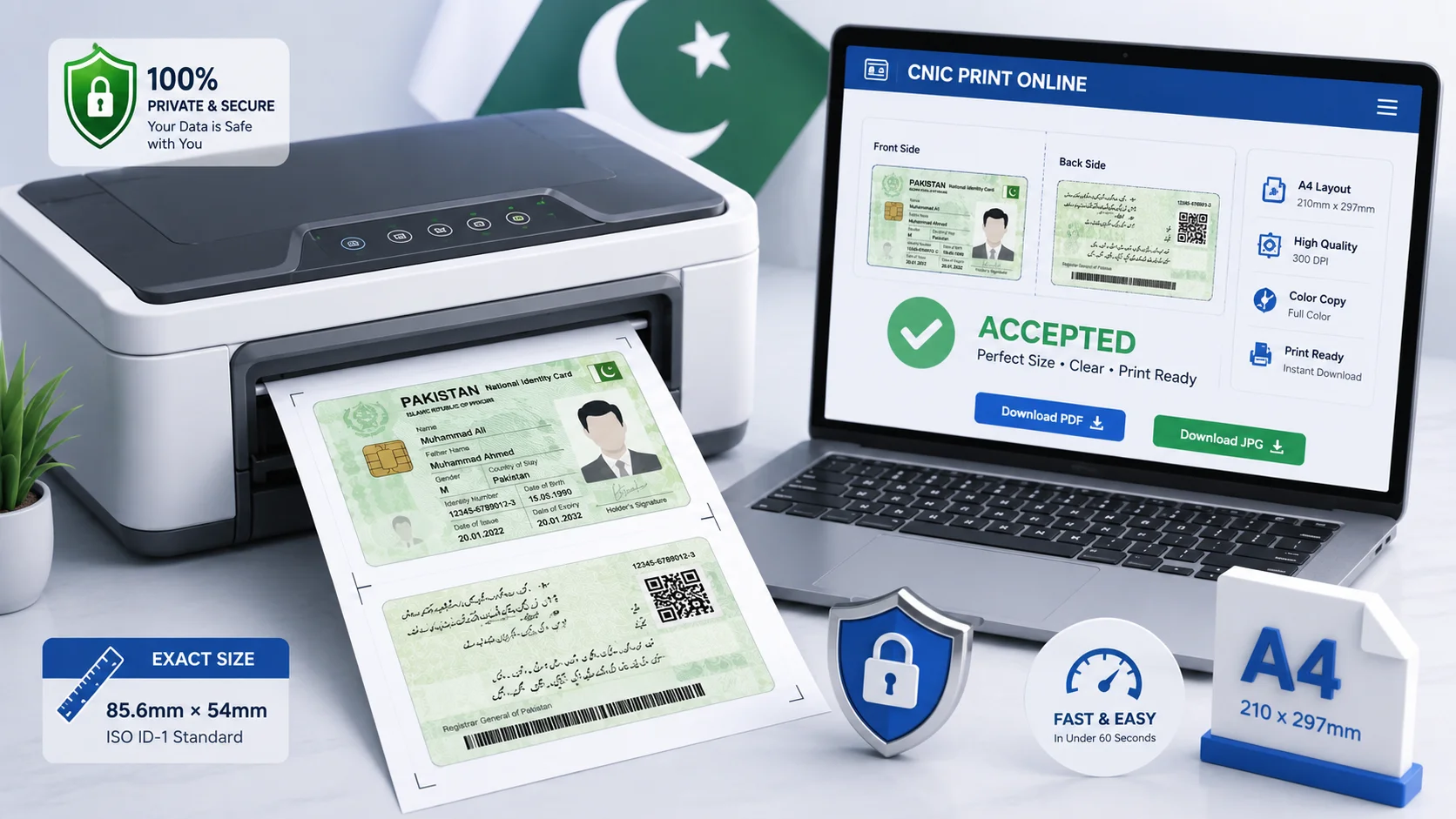
The CNIC front must be placed in the upper half of the page, and the CNIC back must be placed in the lower half. Both must be horizontally centered.
3. Spacing and Margins
A standard CNIC print template includes a 25mm top margin and a 10mm to 15mm gap between the front and back images. This spacing ensures that when the document is scanned or photocopied by bank officials, the images do not bleed into each other.
Visual Diagram: The Perfect A4 Layout
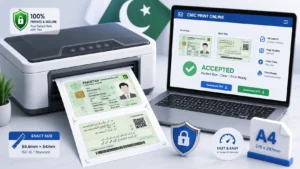
To help you understand the exact CNIC print format, here is a visual representation of how your A4 page should look when using the correct template:
Figure 2: The standardized CNIC print template layout. Both sides are perfectly centered with exact spacing.
Exact Dimensions for the Template
If you are building your own CNIC print template in software like Adobe Photoshop or Illustrator, you must use these exact pixel dimensions to maintain the correct CNIC print format at 300 DPI:
| Element | Millimeters | Pixels @ 300 DPI |
|---|---|---|
| Full A4 Page | 210 × 297 mm | 2480 × 3508 px |
| CNIC Width | 85.6 mm | 1011 px |
| CNIC Height | 54 mm | 638 px |
How to Use the CNIC Print Template
Using the Neksio CNIC print template generator is much faster than manually adjusting settings in Word. Follow these simple steps:
- Capture Your CNIC: Take clear photos of the front and back of your CNIC on a dark background.
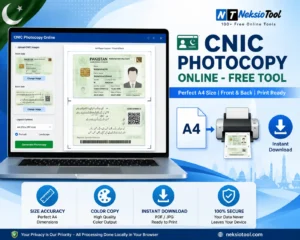
- Open the Tool: Visit the Neksio CNIC Photocopy Tool.
- Upload Images: Upload both photos. The tool automatically applies the correct CNIC print format.
- Customize (Optional): Add a security watermark or adjust brightness/contrast.
- Download: Click “Download PDF” to get your perfectly formatted A4 template, ready to print.
Why the Correct CNIC Print Format Matters
Why do banks and NADRA care so much about the CNIC print format? It comes down to security and verification.
- Anti-Fraud Measures: Placing both sides on a single A4 sheet prevents individuals from swapping the back of a stolen CNIC with their own.
- Machine Readability: Standardized dimensions (85.6mm × 54mm) ensure that if the bank uses automated scanning software, the document is read correctly.
- Archival Standards: Government offices store millions of physical files. A uniform CNIC print template ensures files stack and scan uniformly.
For official guidelines, you can always refer to the NADRA official website or the State Bank of Pakistan’s KYC regulations.
Common Formatting Mistakes
When people try to create a CNIC print template manually, they often make these critical errors:
- Stretching the Image: Forcing the CNIC to fit a text box distorts the aspect ratio, making the card look fat or thin.
- Wrong Page Size: Using US Letter size instead of A4, causing the bottom of the back CNIC to get cut off.
- Incorrect Scaling: Printing at “Fit to Page” instead of “100% Actual Size”, which shrinks the CNIC below the mandatory 85.6mm width.
- Missing the Gap: Placing the front and back touching each other, which looks unprofessional and can cause scanning errors.
Word/Photoshop vs. Online Template Generator
| Feature | Manual (Word/Photoshop) | Neksio Online Template |
|---|---|---|
| Time Required | 10 – 20 Minutes | Under 60 Seconds |
| Size Accuracy | Prone to human error | Locked to 85.6mm × 54mm |
| Layout Alignment | Requires manual centering | Auto-centered perfectly |
| Cost | Requires paid software | 100% Free |
Related Tools & Resources
For complete document management, explore these complementary tools:
- CNIC Photocopy Tool – Generate perfect CNIC copies online
- Image Resizer – Adjust image dimensions for specific requirements
- JPG to PDF Converter – Combine multiple images into one PDF
For more detailed guides, read our related articles on CNIC Photocopy Online and CNIC Copy Print Online.
Frequently Asked Questions
Yes, the standard CNIC print template and CNIC print format (85.6mm × 54mm) perfectly match the dimensions of the Pakistani Smart Driving License, as both follow the ISO ID-1 standard.
When printing the downloaded PDF, always select “Actual Size” or “100% Scale” in your printer dialog. Never select “Fit to Page” or “Shrink to Fit”.
No. Whether you are in Pakistan or abroad, banks like HBL and UBL require the exact same CNIC print format for Roshan Digital Accounts. The Neksio tool works globally.
While possible, it is not recommended for official submissions. Banks and NADRA prefer one CNIC (front and back) per A4 sheet for clear scanning and filing.
Conclusion
Using a professional CNIC print template is the smartest way to ensure your documents are never rejected due to formatting errors. By adhering to the standard CNIC print format—85.6mm × 54mm cards, perfectly centered on an A4 page with proper margins—you guarantee compliance with all Pakistani institutional requirements.
Stop wasting time manually adjusting margins in Word. Use the Neksio CNIC Print Template Generator to create flawless, print-ready documents in seconds, completely free.
🚀 Need a Perfect CNIC Template? Generate a correctly formatted A4 CNIC print layout in under 60 seconds. Free, secure, and 100% accurate.
Generate CNIC Template Now →