📖 Estimated Reading Time: 7 minutes | 🔄 Last Updated: July 2026
How to Convert Photo to Pencil Sketch in 3 Easy Steps (Free Tool)
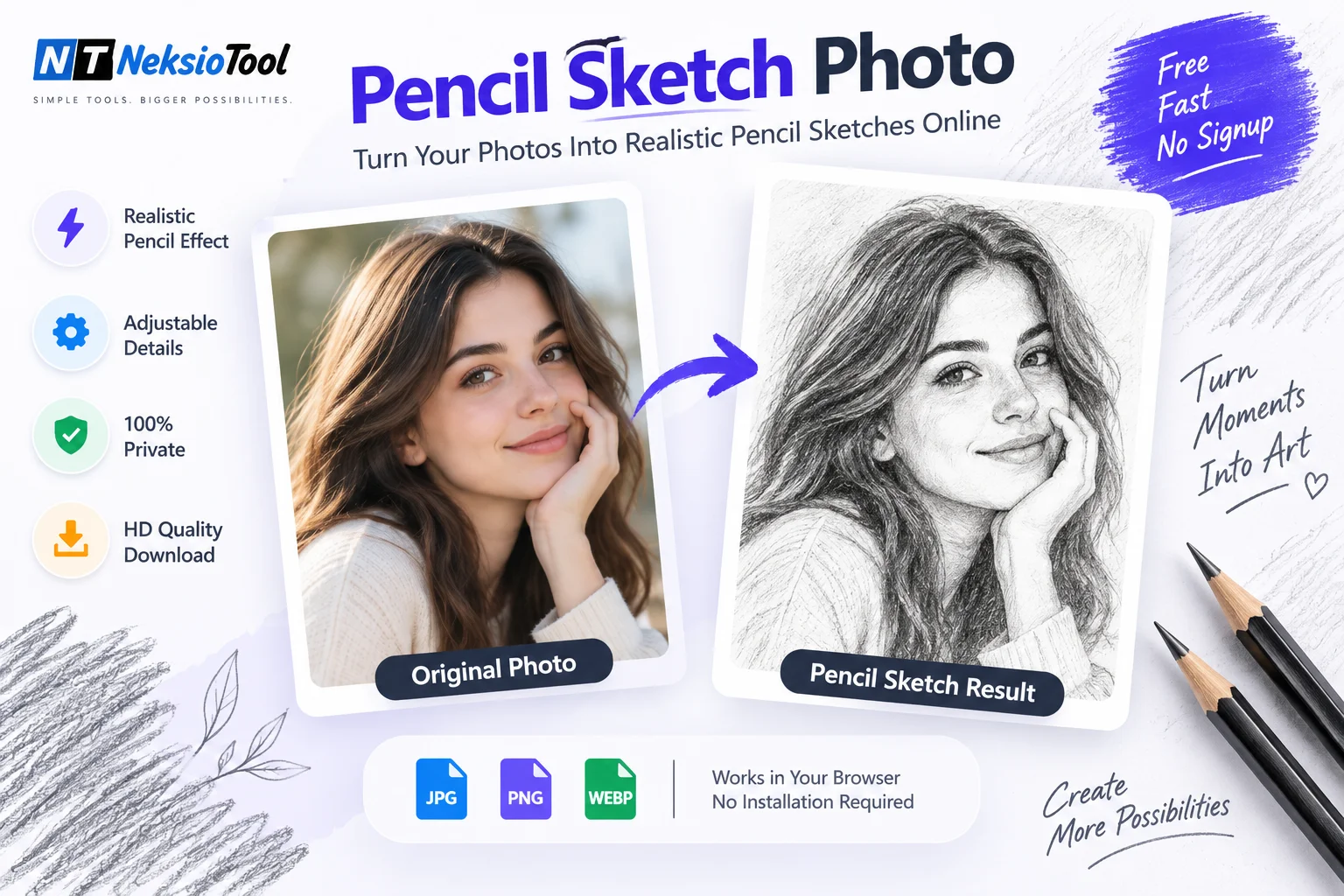
Transforming a digital photograph into a hand-drawn masterpiece used to require hours of manual work in Photoshop or hiring a professional artist. Today, you can achieve the same stunning results in seconds with our free online photo to pencil sketch converter. Whether you want to create unique social media avatars, artistic wall decor, or educational coloring sheets, this tool makes it effortless.
Unlike basic grayscale filters that simply desaturate colors, our advanced algorithm uses Sobel edge detection to simulate authentic graphite strokes, paper texture, and realistic shading. Best of all, it’s completely private—your photos never leave your device.
📌 Quick Summary
- Instant Conversion: Turn photos into sketches in under 5 seconds
- Fully Customizable: Adjust darkness, detail level, and contrast
- 100% Private: Client-side processing—no server uploads
- No Watermarks: Download clean, high-resolution PNGs for free
📑 Table of Contents
- Why Convert Photos to Pencil Sketches?
- How Our Photo to Sketch Algorithm Works
- Step-by-Step Guide: Convert Photo to Sketch
- Pro Tips for Realistic Sketch Results
- Popular Use Cases for Pencil Sketches
- Online Tool vs. Photoshop: Which is Better?
- Benefits of Using Neksio’s Converter
- Frequently Asked Questions
Why Convert Photos to Pencil Sketches?
The timeless appeal of pencil art lies in its ability to capture emotion and essence beyond mere pixels. Converting a photo to pencil sketch offers several creative and practical advantages:
- Artistic Expression: Transform ordinary snapshots into gallery-worthy artwork suitable for framing or gifting.
- Social Media Engagement: Sketch-style profile pictures and posts stand out in crowded feeds, driving higher engagement rates.
- Educational Value: Create line-art templates for art classes, coloring books, or anatomy studies.
- Privacy & Anonymity: Use sketched versions of photos when you want to share moments without revealing exact facial details.
- Design Versatility: Integrate sketches into logos, invitations, posters, and branding materials for a handcrafted aesthetic.
How Our Photo to Sketch Algorithm Works
Our converter doesn’t just apply a simple filter—it simulates the physics of real pencil drawing. Here’s the technical process behind the magic:
1. Grayscale Conversion
The image is first converted to grayscale to isolate luminance values, which form the foundation of any pencil drawing.
2. Sobel Edge Detection
We apply the Sobel operator, a mathematical technique that calculates gradient approximations to identify edges and contours. This mimics how an artist’s eye detects boundaries between light and shadow.
3. Stroke Synthesis & Shading
Detected edges are rendered with variable stroke width and opacity based on local contrast. Darker areas receive denser, overlapping strokes while highlights remain clean—just like real graphite on paper.
4. Detail Enhancement
The “Detail Level” slider controls edge sensitivity, allowing you to include fine textures (like hair or fabric weave) or focus only on major structural lines.
Step-by-Step Guide: Convert Photo to Sketch
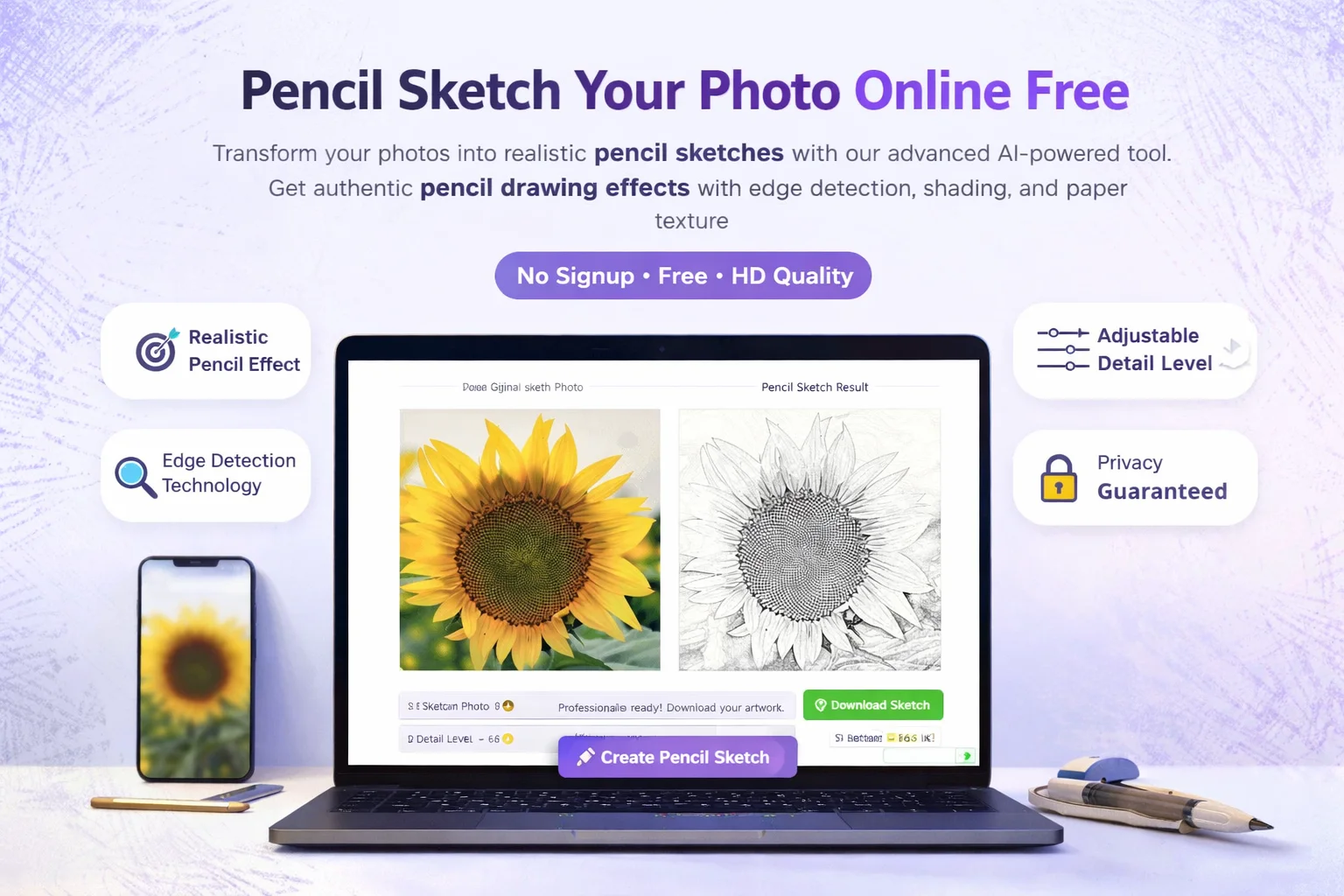
Follow these three simple steps to transform any photo into a professional pencil sketch:
Step 1: Upload Your Photo
Click the upload zone or drag-and-drop your JPG, PNG, or WEBP file (max 20MB). The tool instantly previews your original image.
Step 2: Customize Your Sketch
Use the interactive sliders to fine-tune your result:
- Sketch Darkness (1-10): Controls overall graphite intensity. Lower values create soft, ethereal sketches; higher values produce bold, dramatic drawings.
- Detail Level (1-10): Adjusts edge sensitivity. High settings capture intricate textures; low settings focus on primary contours.
Watch the preview update in real-time as you adjust.
Step 3: Download HD Sketch
Once satisfied, click “Download Sketch” to save your watermark-free PNG. The file retains original resolution for printing or digital use.
For users wanting to further enhance their sketches, try our Image Compressor to optimize file size for web sharing without quality loss.
Pro Tips for Realistic Sketch Results
Not all photos convert equally well. Follow these guidelines for best results:
- Choose High-Contrast Images: Photos with clear lighting differences between subject and background produce the most defined sketches.
- Avoid Busy Backgrounds: Cluttered backgrounds can create noisy sketches. Use portraits or single-subject compositions for cleaner results.
- Experiment with Sliders: There’s no universal setting. A landscape might need Darkness=8/Detail=4, while a portrait may look best at Darkness=5/Detail=7.
- Use Front-Lit Subjects: Side or back lighting can obscure facial features in sketch form. Even, frontal illumination works best.
Popular Use Cases for Pencil Sketches
| Use Case | Recommended Settings | Best For |
|---|---|---|
| Portrait Art | Darkness: 6-7 | Detail: 7-8 | Family gifts, memorial art, profile pictures |
| Architecture | Darkness: 8-9 | Detail: 5-6 | Building outlines, urban landscapes, real estate marketing |
| Coloring Pages | Darkness: 4-5 | Detail: 9-10 | Kids’ activities, art therapy, educational worksheets |
| Social Media | Darkness: 7-8 | Detail: 6-7 | Instagram posts, Twitter headers, LinkedIn banners |
| Logo Design | Darkness: 9-10 | Detail: 3-4 | Minimalist branding, vintage aesthetics, mascot creation |
Online Tool vs. Photoshop: Which is Better?
While Adobe Photoshop offers unparalleled control, it comes with significant drawbacks for casual users:
| Feature | Neksio Photo to Sketch | Adobe Photoshop |
|---|---|---|
| Cost | 100% Free | $20.99/month subscription |
| Learning Curve | Zero – Instant results | Steep – Requires tutorials |
| Processing Time | < 5 seconds | 15-30 minutes manual work |
| Privacy | Client-side only | Cloud sync optional |
| Accessibility | Any browser, any device | Desktop software only |
For quick, high-quality conversions without the learning curve or cost, our online tool is the superior choice. Professionals can still use Photoshop for final touches after generating a base sketch with our converter.
Benefits of Using Neksio’s Converter
- Realistic Pencil Effect: Authentic graphite simulation, not just desaturation
- Adjustable Parameters: Full control over darkness and detail levels
- Instant Processing: No waiting queues or server delays
- Privacy Guaranteed: Zero data collection or storage
- No Watermarks: Clean outputs ready for commercial use
- Mobile Friendly: Works perfectly on phones and tablets
Frequently Asked Questions
Yes, our tool is 100% free to use with no hidden fees, watermarks, or signup requirements. You can convert unlimited photos directly in your browser.
No design skills or expensive software are required. Our AI-powered converter automates the entire process—just upload your photo and download the sketch in seconds.
Absolutely. All processing happens locally in your browser using HTML5 Canvas. Your photos are never uploaded to our servers, ensuring complete privacy and security.
Yes. Our tool includes advanced sliders for ‘Sketch Darkness’ and ‘Detail Level,’ allowing you to fine-tune the graphite effect from subtle outlines to bold, dramatic drawings.
We support all major image formats including JPG, PNG, and WEBP. You can upload files up to 20MB and download your sketch as a high-resolution PNG.
Yes! All downloaded sketches are watermark-free and yours to use commercially—for logos, products, marketing materials, or client projects.
Results vary based on source photo quality, lighting, and slider settings. Try adjusting darkness/detail sliders and use high-contrast images for best results.
Key Takeaways
- Photo to pencil sketch conversion is now accessible to everyone—no artistic skills required
- Edge detection algorithms create realistic graphite effects superior to basic filters
- Customizable sliders let you tailor results for portraits, architecture, or coloring pages
- Browser-based processing ensures privacy and instant results without software installation
- High-contrast source photos yield the most defined and professional-looking sketches
Final Thoughts
Creating beautiful pencil sketches from photos has never been easier or more accessible. Whether you’re an artist seeking inspiration, a marketer designing campaigns, or simply someone who loves transforming memories into art, our free photo to pencil sketch converter delivers professional results in seconds.
No subscriptions, no watermarks, no privacy concerns—just pure creative freedom at your fingertips. Ready to turn your favorite photos into timeless sketches?
Try our Photo to Pencil Sketch Converter now and experience the magic of digital artistry!
🎨 Create stunning pencil sketches in seconds! Free, private, and watermark-free. No signup required.
Convert My Photo to Sketch Now →