When evaluating tools to harvest structured website data, finding the best table capture extension can save hundreds of hours of frustrating manual data entry. Whether you are conducting financial competitor analysis, building e-commerce product catalogs, or collecting scientific research datasets, the ideal browser tool must deliver clean typography, preserve complex column hierarchies, and export seamlessly into your preferred spreadsheet application with zero data corruption.
Neksio: The Undisputed Best Table Capture Chrome Extension
Extract up to 6,000 rows across 200 tables for free with multi-sheet Excel packaging.
Table of Contents
- 1. The Critical Need for Dedicated Web Table Extraction
- 2. Top 5 Table Capture Extensions Head-to-Head Comparison
- 3. Why Neksio is Crowned the Best Table Capture Solution
- 4. Unique Modern UI/UX: Engineered for Effortless Workflow
- 5. The Multi-Sheet Excel Advantage: Organizing Complex Datasets
- 6. Universal Export Versatility: Excel, CSV, JSON, Markdown & Google Sheets
- 7. Pro Automation: Autonomous Multi-Page Web Crawler
- 8. Free vs Pro Breakdown: Transparent Pricing & Limits
- 9. 4 Simple Steps to Harvest Any Web Table
- 10. Frequently Asked Questions (FAQ) About Best Table Capture
1. The Critical Need for Dedicated Web Table Extraction
Every day, millions of knowledge workers face the same digital bottleneck: valuable structured data is locked inside HTML tables across financial reports, Wikipedia statistical archives, government records, and e-commerce catalogs. Attempting to copy and paste these tables manually leads to immediate data breakdown:
- Merged Header Scrambling: Multi-row headers split across disparate cells, destroying column definitions.
- Formula & Number Invalidation: Numeric values copy as plain strings with trailing symbols or currency prefixes that break Excel calculation functions.
- Missing Pagination: Multi-page catalogs force researchers to click “Next” dozens of times, creating fractured, messy spreadsheets.
- Encoding Corruption: International characters in Urdu, Arabic, Hindi, or Chinese frequently become garbled into unreadable symbols.
This is why selecting the best table capture browser extension is vital. A top-tier tool converts visual web tables into mathematically sound spreadsheets with a single click, preserving layout integrity and eliminating manual clean-up.
2. Top 5 Table Capture Extensions Head-to-Head Comparison
To determine which extension truly deserves the title of best table capture tool, our research team analyzed the leading solutions in the Chrome Web Store across capacity, formatting, automation, and privacy:
| Extension Name | Free Row Limit | Multi-Sheet Excel | Auto Pagination | Data Privacy | Overall Rating |
|---|---|---|---|---|---|
| Neksio Table Capture | 6,000 Rows (200 Tables) | ✓ Unified Multi-Sheet .xlsx | ✓ Autonomous Engine (Pro) | 100% Local Sandbox | ⭐⭐⭐⭐⭐ (9.9/10) |
| George Mike Table Capture | 50–100 Rows (Strict Paywall) | Separate files only | Paid Pro Only ($12/mo) | Cloud Account Required | ⭐⭐⭐⭐ (7.8/10) |
| Instant Data Scraper | Variable (Flat limit) | — (Single flat CSV only) | Basic heuristic Next | Local script | ⭐⭐⭐⭐ (8.0/10) |
| Simplescraper | Limited free scrape credits | — (Requires cloud webhook) | Custom recipe required | Data sent to cloud API | ⭐⭐⭐ (7.2/10) |
| Scraper (Chrome Web Store) | Free / No row cap | — (Raw Google Doc export) | — (No pagination) | Local XPath | ⭐⭐⭐ (6.9/10) |
3. Why Neksio is Crowned the Best Table Capture Solution
When evaluating user feedback, technical benchmark tests, and feature depth, Neksio Table Capture decisively outranks competing tools. For a comprehensive walkthrough of its initial architecture, refer to our foundational Neksio Table Capture Chrome Extension Guide. Here is what establishes Neksio as the industry benchmark:
1. Industry-Leading Free Quota (6,000 Rows vs 50 Rows)
Most commercial table extractors cut users off after just 50 or 100 rows, forcing an immediate subscription before you can verify if the tool works on your target website. Neksio provides an unprecedented 6,000 free rows per capture session and up to 200 simultaneous tables on its 100% Free plan, empowering students, analysts, and small business owners without aggressive paywalls.
2. Intelligent DOM Filtering & Layout Discarding
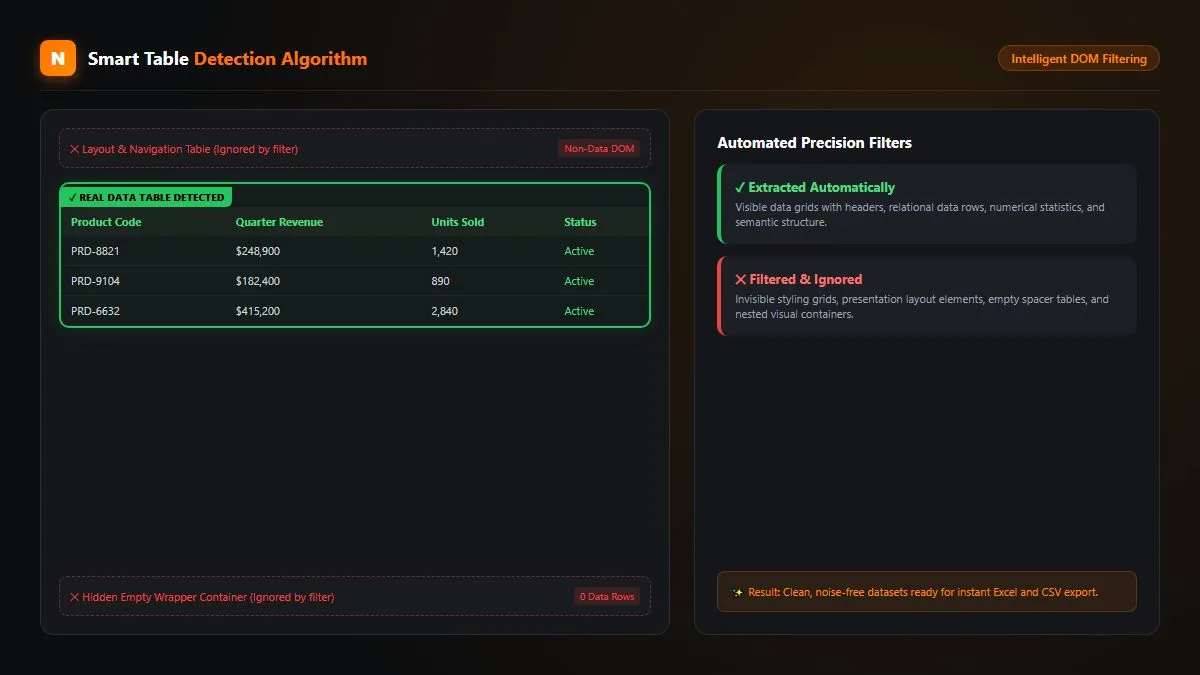
Modern web applications often construct layouts using nested <div> elements and CSS grid structures that trick older scrapers into capturing useless navigation bars or footer links. Neksio employs an advanced heuristic DOM filter that inspects tabular density, mathematical headers, and row uniformity, instantly isolating real data tables while ignoring layout noise.
3. Zero-Telemetry Local Sandbox Privacy
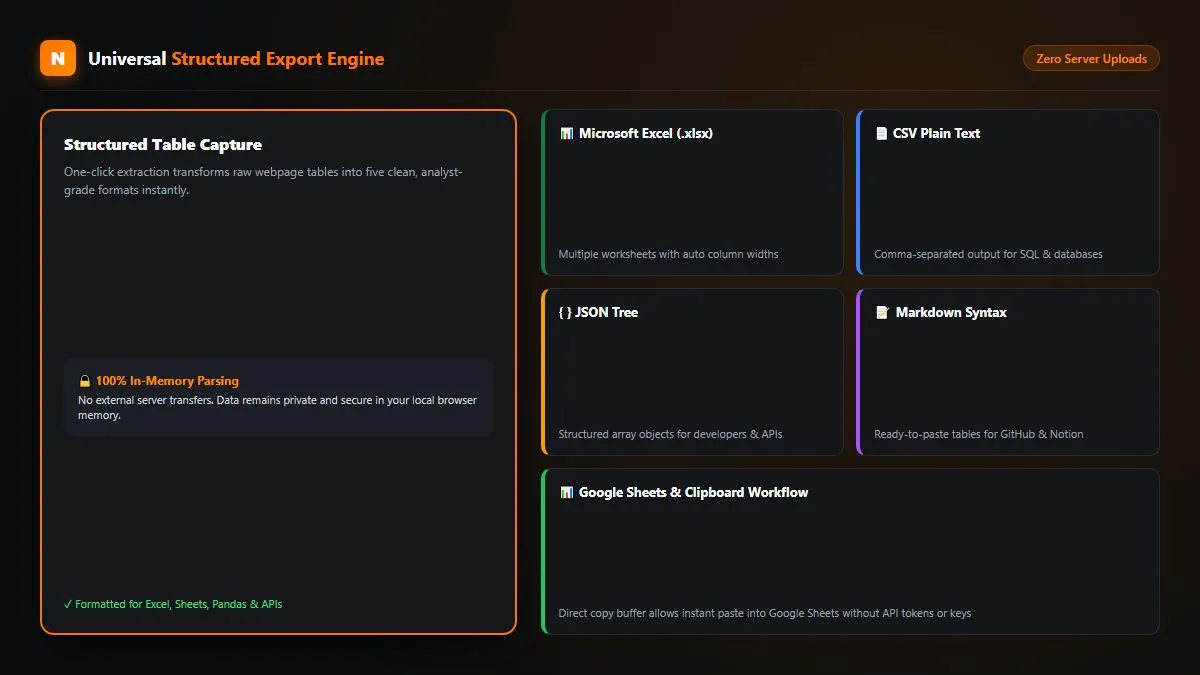
Confidentiality is paramount when extracting enterprise pricing, proprietary research, or internal database records. While cloud scrapers route your scraped web pages through third-party servers, Neksio executes 100% of its parsing inside your local browser memory. Zero rows, zero URLs, and zero credentials ever leave your machine.
4. Unique Modern UI/UX: Engineered for Effortless Workflow
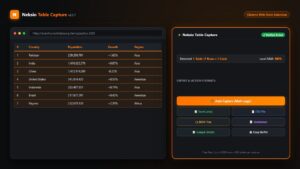
A major differentiator that elevates Neksio above competitor utilities is its refined user interface. Rather than relying on outdated 2010-era dialog boxes, Neksio features a modern, accessible interface with visual table highlighting:
- Interactive In-Page Highlighter: Hovering over any table entry in the extension list highlights the corresponding live table on the web page with an elegant border, preventing accidental extraction of the wrong grid.
- Dockable Workshop Panel: Work seamlessly in a floating side panel that keeps your target page interactive while configuring your export parameters.
- Real-Time Table Metrics: Instantly view row counts, column totals, and data preview snippets before initiating the download.
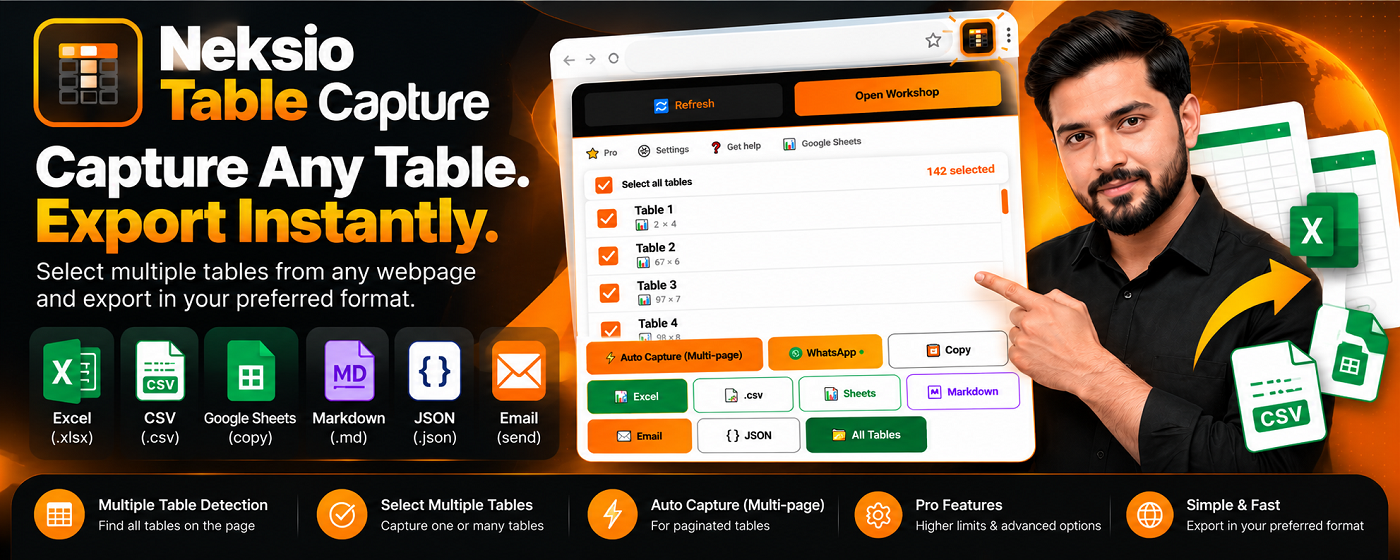
- Batch Select All: Check individual tables or hit “Select All” to capture up to 200 distinct tables in a single swift motion.
5. The Multi-Sheet Excel Advantage: Organizing Complex Datasets
When harvesting data from encyclopedic articles, corporate 10-K financial disclosures, or sporting event archives, pages regularly contain 10, 20, or even 50 separate tables. Competitor extensions force you to download each table individually, leaving you with dozens of disorganized CSV files scattered in your Downloads folder.
Neksio pioneers the Unified Multi-Worksheet Excel (.xlsx) Packaging Engine:
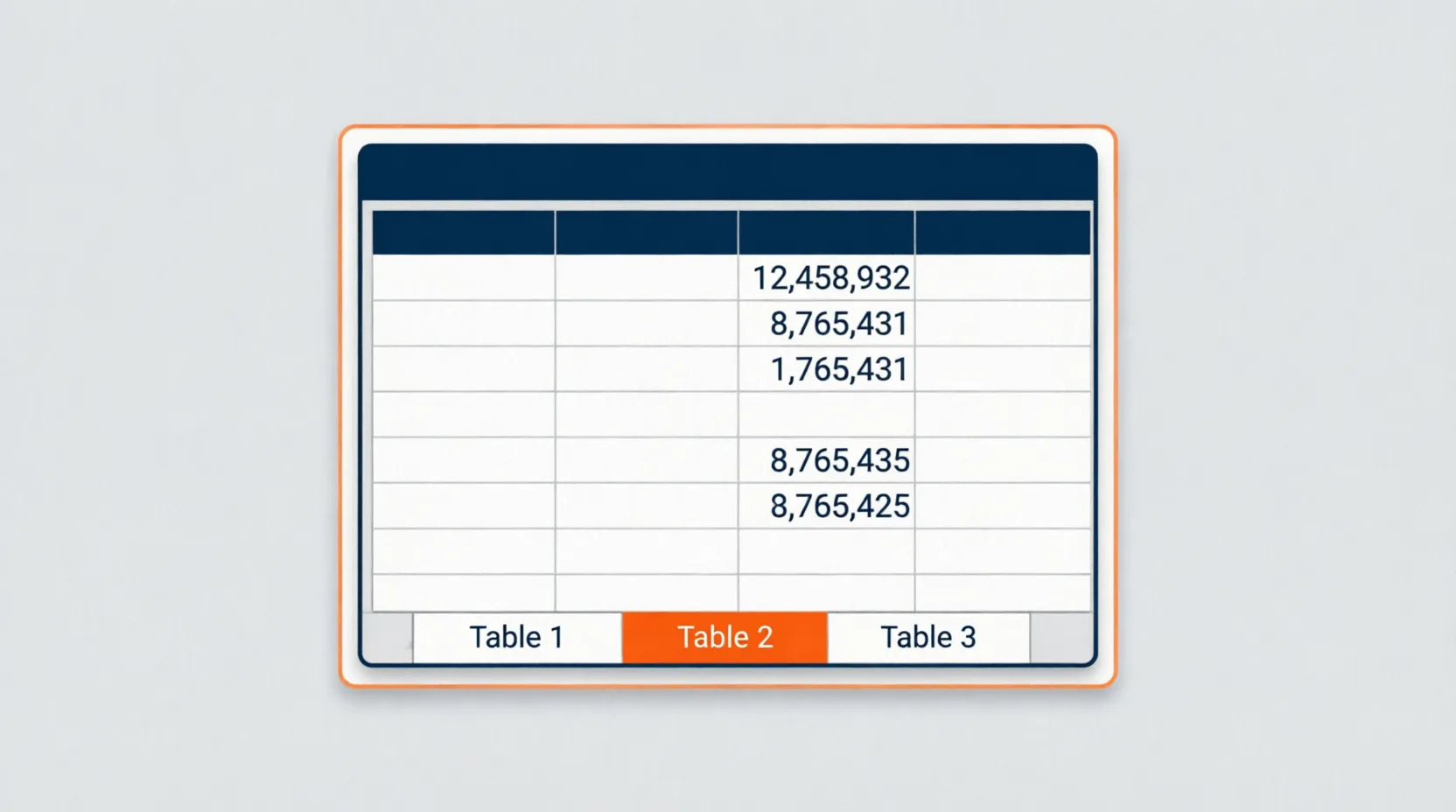
With this engine active, Neksio generates a single Microsoft Excel (.xlsx) workbook where each captured table is automatically placed on its own neatly titled worksheet tab. Column widths are calculated automatically based on the longest text string in each column, ensuring that numerical figures and dates never display truncated error codes like ###.
6. Universal Export Versatility: Excel, CSV, JSON, Markdown & Google Sheets
Data professionals use varied tools across their analytical pipelines. Neksio accommodates every workflow with five universal export destinations:
| Format | Target Audience | Key Advantage |
|---|---|---|
| Excel (.xlsx) | Financial Analysts & Executives | Multi-sheet workbook packaging, auto-sized columns, numerical precision preservation. |
| CSV (.csv) | Data Scientists & Programmers | RFC 4180 standard formatting ready for immediate ingestion into Python Pandas, R, or SQL databases. |
| JSON | Software Engineers & Web Devs | Structured array-of-objects hierarchy perfect for API mocking, test datasets, and database seeding. |
| Markdown (.md) | Notion & GitHub Users | Formatted markdown pipe tables ready for direct pasting into documentation wikis and Obsidian notes. |
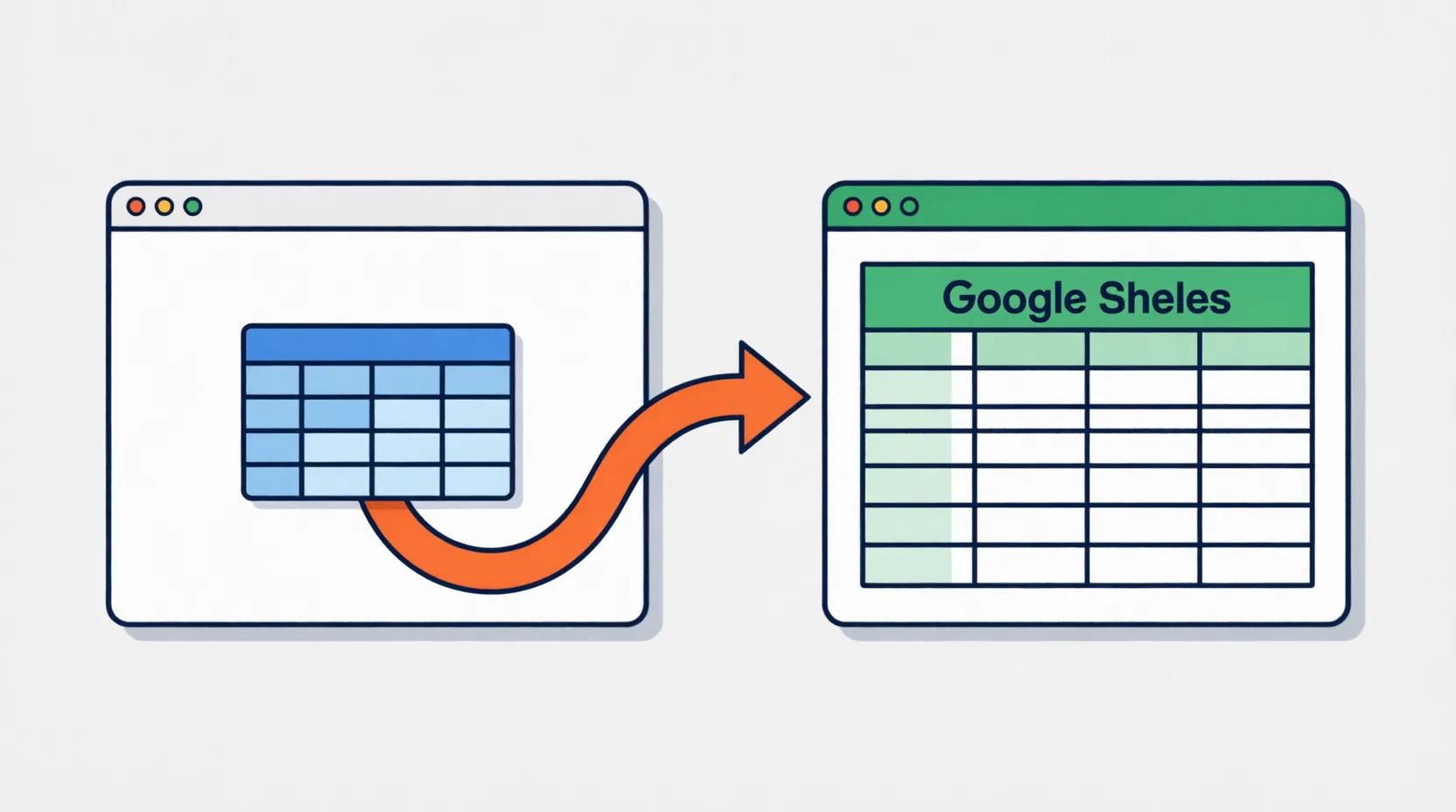
| Google Sheets | Collaborative Teams & Marketers | 1-Click tab-delimited clipboard buffer. Switch tabs, press Ctrl + V, and your spreadsheet is populated. |
7. Pro Automation: Autonomous Multi-Page Web Crawler
When datasets span dozens or hundreds of sequential web pages—such as e-commerce product inventories, government archives, or clinical research directories—manual extraction becomes unviable.
The Neksio Table Capture Pro edition introduces an industrial-grade Autonomous Multi-Page Auto Capture Engine:
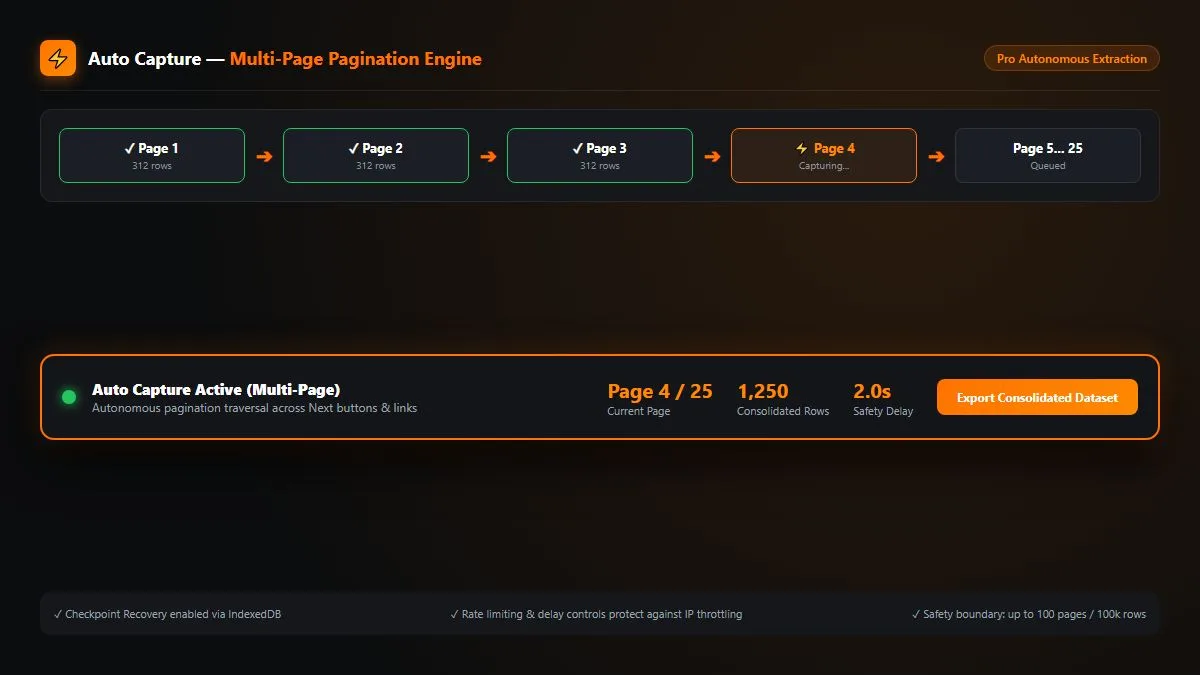
- Automatic Next-Button Detection: Identifies pagination elements across standard web frameworks (
.next,rel="next", numbered page bars). You can also specify custom CSS selectors for proprietary web apps. - Configurable Anti-Bot Safety Delays: Set custom pause intervals (e.g., 2.0 to 4.0 seconds) between page transitions to maintain friendly crawling speeds and prevent IP rate-limiting.
- Master Schema Row Stitching: As each successive page loads, Neksio extracts the rows, aligns them to the existing column schema, and appends them to your master dataset.
- IndexedDB Session Checkpoint Recovery: Your progress is continuously saved to local browser storage. If a tab crashes or your connection drops, your harvested dataset remains completely safe.
8. Free vs Pro Breakdown: Transparent Pricing & Limits
Neksio offers clear, transparent terms with no hidden data limits or surprise subscriptions. Review our detailed Free vs Pro Feature Matrix for an exhaustive comparison:
| Capability | Neksio Free Plan | Neksio Pro Edition ⭐ |
|---|---|---|
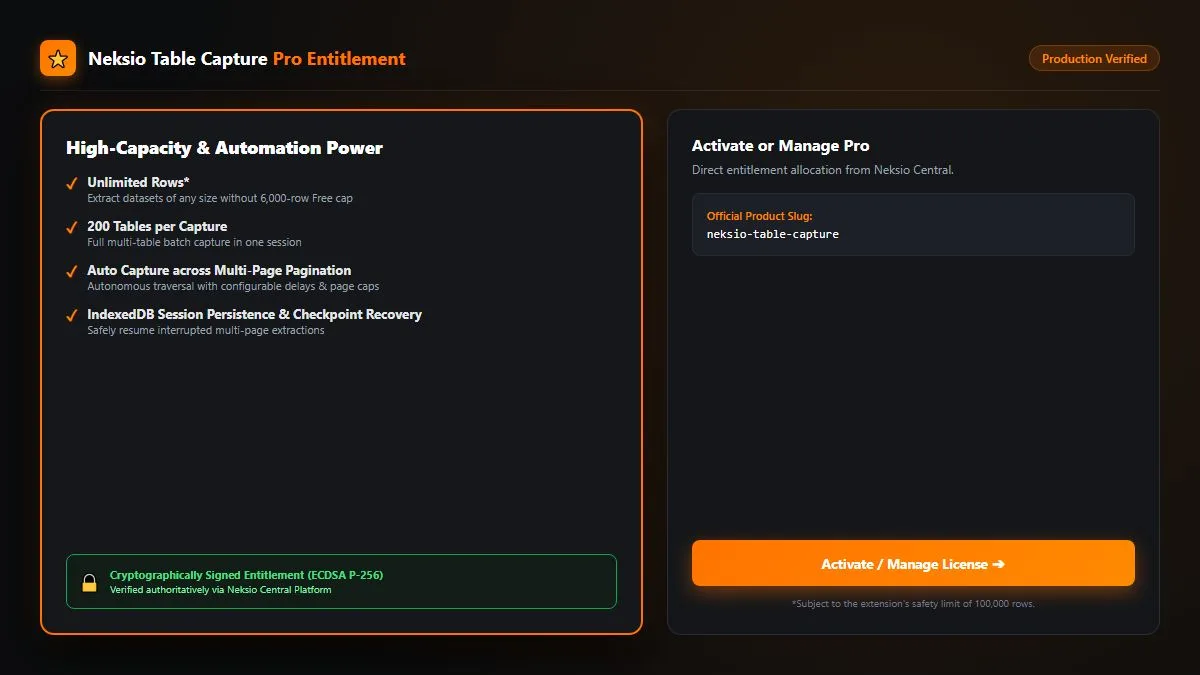
| Session Row Limit | Up to 6,000 rows | Unlimited rows (100k safety cap) |
| Simultaneous Tables per Session | Up to 200 tables | Up to 200 tables |
| Multi-Worksheet Excel (.xlsx) Export | ✓ Included | ✓ Included |
| CSV, JSON, Markdown, Google Sheets | ✓ Included | ✓ Included |
| Smart DOM Detection & Auto Column Widths | ✓ Included | ✓ Included |
| Autonomous Multi-Page Auto Capture | — | ✓ Autonomous Pagination Crawler |
| Custom Pagination Selectors & Safety Delays | — | ✓ Configurable Delays & Page Limits |
| IndexedDB Session Checkpoint Recovery | — | ✓ Real-Time Session Persistence |
| Cryptographic ECDSA P-256 Licensing | — | ✓ Authoritative Offline Entitlement |
Upgrade to Neksio Table Capture Pro ➔
9. 4 Simple Steps to Harvest Any Web Table
Extracting complex web datasets with Neksio requires no coding, no XPath scripting, and zero API setup:
Install the Extension from the Chrome Web Store
Head to the Chrome Web Store and click “Add to Chrome”. Pin the orange Neksio icon to your browser bar for immediate access.
Navigate to Any Data-Rich Web Page
Open any target website featuring tabular datasets—such as financial market tables, government trade registers, or sports league leaderboards. For scanned document photos or receipts, you can also pair this with our online Image to Word Converter to extract typography before structuring.
Launch the Scanner & Select Your Tables
Click the Neksio icon to open the scanner. The extension automatically detects all tables on the page, displaying row counts and live hover previews. Tick the tables you wish to harvest, or click “Select All Tables”.
Download Your Formatted Dataset or Run Auto Capture
Choose your preferred export: click “Export Excel (.xlsx)” for a formatted multi-sheet workbook, “Copy for Google Sheets” for instant pasting, or activate “Auto Capture” to crawl multi-page catalogs.
10. Frequently Asked Questions (FAQ) About Best Table Capture
Why is Neksio considered the best table capture extension for Chrome?
Neksio is recognized as the best table capture tool because it combines a generous free tier (6,000 rows vs 50 rows on competitors), multi-worksheet Excel (.xlsx) packaging, clean DOM filtering, 100% in-browser privacy, and autonomous multi-page pagination crawling without steep subscription fees.
How does Neksio handle tables with merged headers or multi-line cells?
Neksio features an intelligent DOM flattening algorithm that accurately identifies colspan and rowspan attributes. It normalizes merged headers across sub-columns so that every cell receives its proper column label, preventing offset data columns in Excel.
Is my extracted data uploaded or stored on any remote server?
No. Neksio Table Capture executes 100% of its data parsing locally inside your browser sandbox. No tables, URLs, or personal data are ever uploaded, tracked, or monetized by external servers.
Can I paste extracted tables into Google Sheets with a single shortcut?
Yes. Simply click “Copy for Google Sheets” inside Neksio Table Capture. The extension formats your table as tab-delimited text in your system clipboard. Open Google Sheets, select cell A1, and press Ctrl + V (or Cmd + V). The entire table populates with proper column alignment.
Where can I get Neksio Table Capture?
You can install the free extension directly from the Chrome Web Store or visit the official Neksio Table Capture Product Page to learn more about features, documentation, and the Pro upgrade.
Experience the Best Table Capture Tool Today
Upgrade your data harvesting workflow. Install Neksio Table Capture and extract clean, structured datasets into Excel, CSV, or Google Sheets with zero hassle.