Unzip Archives Instantly Without WinRAR or Desktop Software
Discover how to unpack, preview, and inspect ZIP files with real-time progress and total privacy.
📋 Complete Guide Table of Contents
- 1. What is an Online ZIP Extractor and How Does It Work?
- 2. Why Traditional Desktop Unzippers Pose Serious Privacy Risks
- 3. Client-Side WebAssembly: Why Your Files Never Leave Your Device
- 4. How to Use Neksio ZIP Extractor Online in 5 Easy Steps
- 5. Understanding the Animated Progress Loader & Byte Counter
- 6. The Built-in Malware & Executable Threat Scanner Explained
- 7. Instant File Preview: Inspecting Images, Documents & Source Code
- 8. Selective Extraction: Downloading Single Files vs Full Archives
- 9. Comparison: Neksio ZIP Extractor Online vs WinRAR vs Cloud Unzippers
- 10. Frequently Asked Questions (FAQ)
1. What is an Online ZIP Extractor and How Does It Work?
In everyday computing, compressed archives are the standard vehicle for packaging multiple documents, image folders, software distributions, and project assets. However, millions of Chromebook users, mobile smartphone owners, and enterprise employees working on locked-down office workstations face a common frustration: how do you unpack a ZIP archive when your computer prevents you from installing WinRAR or 7-Zip?
The answer is a modern, high-speed zip extractor online. Instead of forcing you to download bloated desktop installation wizards, an online extractor leverages your web browser’s native JavaScript and WebAssembly runtimes to parse, decompress, and inspect archive structures on the fly.
ZIP files operate on the ubiquitous DEFLATE compression algorithm, formally standardized in IETF RFC 1951 Specifications. By parsing local file headers, central directory records, and end-of-central-directory (EOCD) signatures, a capable zip extractor online recreates original file hierarchies directly inside browser memory.
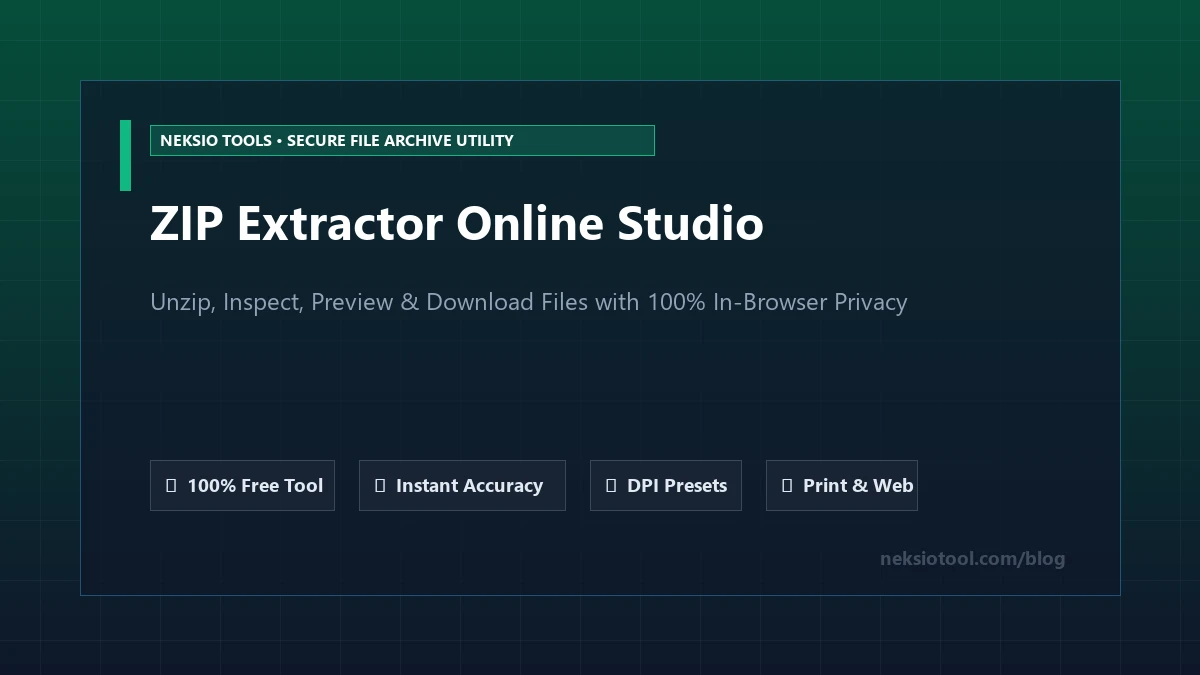
Figure 1: Visual overview of Neksio’s in-browser ZIP extractor, displaying archive summary statistics and individual file downloads.
2. Why Traditional Desktop Unzippers Pose Serious Privacy Risks
For decades, users downloaded freeware utilities to decompress archives. Unfortunately, the landscape of free desktop software has become fraught with security vulnerabilities and invasive monetization practices:
- Bundled Adware & Potentially Unwanted Programs (PUPs): Many third-party unzipper installation packages quietly install sponsored browser toolbars, cryptominers, or tracking telemetry that degrades system performance.
- Aggressive Nagware Prompts: Legacy tools frequently bombard users with disruptive dialog popups demanding paid license renewals every time an archive is opened.
- Operating System Vulnerabilities: Outdated desktop extractors are historically vulnerable to “Zip Slip” directory traversal attacks, where malicious archives unpack executable payloads into system startup directories.
By contrast, choosing a sandboxed zip extractor online eliminates software installation entirely. The utility executes inside your browser’s security boundary, protecting your underlying operating system from unauthorized disk writes.
3. Client-Side WebAssembly: Why Your Files Never Leave Your Device
A major concern when using web-based utilities is confidentiality: “If I upload my confidential financial spreadsheet, private photos, or legal contract to an online tool, will their servers save a copy?”
With older cloud-based converters, the answer was unfortunately yes—your archive traveled across the internet to a remote web server, was unpacked on a remote hard drive, and sat there until a cleanup script deleted it hours later.
Neksio revolutionized this paradigm by engineering a 100% Client-Side In-Browser Engine. Powered by the HTML5 File API, FileReader, and W3C Blob specifications, our zip extractor online performs every decompression instruction locally in your computer’s RAM:
The Zero-Server Privacy Guarantee:
- Zero Network Upload: Not a single byte of your archive is transmitted to Neksio servers or third-party cloud hosts.
- Zero Server Storage: Because files never touch external disks, data breaches, server snooping, and cloud leaks are mathematically impossible.
- Instant Performance: You never have to wait for large uploads or downloads over slow internet connections; files open in milliseconds.
- Complete Offline Resilience: Once the webpage loads, you can disconnect your Wi-Fi entirely and continue extracting files smoothly.
4. How to Use Neksio ZIP Extractor Online in 5 Easy Steps
Extracting files with our free utility requires no account registration, no software installation, and no technical expertise. Here is the step-by-step walkthrough:
Navigate to the Extractor Tool and Select Your File
Open the Neksio ZIP Extractor Online Studio. Drag and drop your .zip, .zipx, or .cbz file directly onto the dashed dropzone, or click “Select ZIP File” to browse your local device storage.
Monitor the Real-Time Animated Progress Loader
Watch the animated progress spinner and real-time byte counter as the tool reads the binary stream into local browser memory, parses folder structures, and decompresses all file entries.
Review the Archive Dashboard & Security Scan
Inspect macro statistics including total file count, nested directory count, uncompressed byte size, and compression space saved. Check the green Security Health Badge to verify that no hidden malware or executable scripts reside inside the archive.
Preview Images, Documents and Code In-Browser
Click the “Preview” button next to any file. Images render in full HD lightbox modals, code and text files display in clean syntax viewers with line numbers and a “Copy Text” button, and audio files can be auditioned via the inline player. If you have extracted graphic posters with text, you can also process them via our Image to Word Converter to extract editable text.
Download Selected Files or Save Full Archive
Click the green “Download” button next to any individual file to save it immediately, check multiple files to trigger a selective batch download, or click “Save All Files (ZIP)” to download a clean, uncorrupted bundle.
5. Understanding the Animated Progress Loader & Byte Counter
A frequent issue with conventional online converters is the “black box” syndrome: you drop a 150 MB file into a website and the page sits silently with an ambiguous spinner. Users wonder: is the browser frozen? Did the upload fail? How long will this take?
The Neksio zip extractor online solves this frustration through comprehensive real-time telemetry. When you load an archive, the studio activates an active state engine that reports:
- Byte-by-Byte Memory Streaming: Tracks the exact megabytes read from your local storage (e.g.
28.4 MB / 74.2 MB processed) with an animated percentage fill bar. - Three-Phase Status Diagnostics: Clearly informs you whether the engine is currently streaming raw data, decompressing the central directory index, or scanning file signatures.
- Memory Safety Thresholds: Includes built-in RAM safety checks supporting archives up to 350 MB to 500 MB smoothly without exhausting smartphone or mobile browser memory limits.
6. The Built-in Malware & Executable Threat Scanner Explained
Cybercriminals routinely use ZIP archives to conceal malicious software. Because standard email filters often fail to inspect deeply nested archive trees, unsuspecting users download attachments labeled “Invoice.pdf.zip”, only to unpack a disguised executable that infects their computer.
To safeguard users, our zip extractor online includes an automated Security Inspection Shield:
Active Threat Detection Layers:
- Executable File Flagging: The scanner inspects every file extension. If dangerous binaries or scripts (such as
.exe,.bat,.cmd,.vbs,.scr,.msi, or.ps1) are detected, the dashboard immediately triggers a prominent red alert badge. - Zip Bomb Decompression Protection: A “Zip Bomb” (or decompression bomb) is a tiny 500 KB archive designed to expand into hundreds of gigabytes, crashing the victim’s operating system. Our tool validates compression ratios prior to full expansion, blocking malicious bombs safely.
- Path Traversal (Zip Slip) Sanitization: Any file entry attempting to write to parent directories using relative
../../paths is automatically sanitized, preventing system folder overwrites.
7. Instant File Preview: Inspecting Images, Documents & Source Code
Why download an entire 200 MB archive to your hard drive when you only need to verify one single photograph or read one paragraph in a text file?
The integrated preview lightbox in our zip extractor online provides instant visual rendering for all standard digital formats:
- Image Assets: PNG, JPG, WebP, SVG, GIF, and ICO files render directly in an HD lightbox with dimensional metadata.
- Source Code & Structured Data: HTML, CSS, JavaScript, TypeScript, Python, JSON, XML, CSV, and Markdown files render in a high-contrast code viewer with line numbers and a “Copy Text” clipboard utility. If you frequently harvest structured web data, you can also explore our Neksio Table Capture extension or read the best table capture guide.
- Audio Files: MP3, WAV, and OGG audio recordings include an interactive player allowing you to listen to sound samples directly inside the modal.
8. Selective Extraction: Downloading Single Files vs Full Archives
Traditional desktop unzippers force an all-or-nothing approach: they unpack every single file, cluttering your local Downloads directory with nested subfolders, hidden system files (like .DS_Store or Thumbs.db), and unwanted documentation.
Using our zip extractor online puts you in complete control:
- 1-Click Individual File Downloads: Every file row features a green download icon. Click it to save just that specific file with its original filename and extension.
- Batch Checkbox Extraction: Select 3, 5, or 10 specific files across different folders and click “Download Selected” to package only your chosen items into a clean, streamlined bundle.
- Quick Category Filtering: Click the category chips (Images, Documents, Code, Audio/Video) to instantly filter hundreds of files down to your exact target medium.
9. Comparison: Neksio ZIP Extractor Online vs WinRAR vs Cloud Unzippers
To understand why modern web professionals and students rely on browser-native tools, examine how different archive extraction methodologies compare across privacy, cost, and convenience:
10. Frequently Asked Questions (FAQ)
Is it safe to use a zip extractor online for private files?
Yes, provided you use an in-browser client-side tool like Neksio. Because our extractor operates entirely in your device’s browser memory (RAM) utilizing JavaScript Blobs, your sensitive documents, financial spreadsheets, and photographs never leave your device.
Can I extract files on an iPhone, iPad, or Android phone?
Absolutely. Neksio ZIP Extractor is responsive across all mobile touchscreens. You can open downloaded archives directly from your mobile files folder without installing third-party apps from the App Store or Google Play Store.
What is the file size limit for extracting ZIPs online?
Our in-browser engine comfortably supports ZIP files up to 350 MB to 500 MB. Larger files depend upon your computer or phone’s available RAM memory.
Can I open password-protected ZIP archives?
Standard unencrypted ZIP archives unpack instantly. If an archive contains standard password protection, the tool prompts you for the decryption passphrase to unlock and extract the contents directly in memory.
Unpack Your ZIP Archives with 100% Privacy Today
Say goodbye to clumsy desktop software. Launch our free zip extractor online to decompress, inspect, preview, and download your files in seconds.