⏱️ Estimated Reading Time: 8 minutes
YouTube Subscribe Link Generator: Grow Your Channel Easily (Free Tool 2026)
Growing a YouTube channel requires more than just great content—you need to make it as easy as possible for viewers to subscribe. This is exactly where a YouTube Subscribe Link Generator becomes invaluable. Whether you’re aiming for your first 1,000 subscribers or looking to reach 10K, having a direct, one-click subscription link can significantly boost your channel growth.
Instead of asking viewers to manually search for your channel and click subscribe, a YouTube Subscribe Link Generator creates a direct link that instantly prompts users to subscribe with just one click. This simple tool can be the difference between a casual viewer and a loyal subscriber.
In this comprehensive guide, we’ll show you how to use our free YouTube Subscribe Link Generator to create powerful subscription links that help you reach your 1K subscriber milestone and beyond—completely free and without any coding knowledge.
Quick Summary: YouTube Subscribe Link Generator
- What it does: Creates direct, one-click subscription links for your YouTube channel
- Best for: Growing subscribers, reaching 1K milestone, channel promotion
- Cost: 100% Free – No registration required
- Time: Generate links in under 30 seconds
- Tool: Neksio YouTube Subscribe Link Generator
Table of Contents
- What is a YouTube Subscribe Link Generator?
- Why Use a YouTube Subscribe Link Generator?
- Benefits of Auto Subscribe Links
- How to Create Your YouTube Subscribe Link (Step-by-Step)
- How to Find Your YouTube Channel ID
- Best Practices for Sharing Subscribe Links
- How to Grow Your Channel to 1K Subscribers
- Common Mistakes to Avoid
- Related YouTube Tools
- Frequently Asked Questions
- Conclusion
What is a YouTube Subscribe Link Generator?
A YouTube Subscribe Link Generator is a free online tool that creates a direct subscription link for your YouTube channel. When someone clicks this link, they are immediately prompted with a subscription confirmation dialog, making it incredibly easy for them to subscribe to your channel with just one click.
Unlike sharing your regular YouTube channel URL (which requires users to find the subscribe button manually), a YouTube Subscribe Link Generator creates a specialized link that automatically triggers the subscription action. This simple automation can significantly increase your conversion rate from viewer to subscriber.
How It Works:
- Enter your Channel ID: You provide your YouTube Channel ID (e.g., UCxxxxxxxxxxxxxxxxxxx)
- Generate the link: The tool creates a direct subscription URL
- Share anywhere: Copy and share the link on social media, websites, emails, or videos
- One-click subscribe: When clicked, viewers see an instant subscribe prompt
Why Use a YouTube Subscribe Link Generator?
As a content creator, every barrier between your content and a subscription is a potential loss. Here’s why using a YouTube Subscribe Link Generator is essential for channel growth:
1. Reduces Friction
When viewers have to search for your channel and manually click subscribe, many will drop off. A direct subscribe link removes these steps, making the process seamless.
2. Increases Conversion Rate
Studies show that reducing the number of clicks required to perform an action can increase conversion rates by up to 300%. A one-click subscribe link maximizes your chances of gaining subscribers.
3. Perfect for Promotion
Whether you’re sharing your channel in video descriptions, social media bios, email signatures, or blog posts, a direct subscribe link is far more effective than a regular channel URL.
4. Helps Reach 1K Faster
YouTube’s Partner Program requires 1,000 subscribers for monetization. Using a YouTube Subscribe Link Generator can accelerate your journey to this crucial milestone.
Benefits of Auto Subscribe Links
Using an auto subscribe link generator offers numerous advantages for YouTube creators:
| Benefit | Impact |
|---|---|
| Instant Engagement | Viewers can subscribe in one click without searching |
| Professional Sharing | Perfect for social media, websites, and email campaigns |
| Channel Growth | Helps reach 1K subscriber milestone faster |
| Free & Easy | No coding or setup required—100% free to use |
| Trackable | Share different links on different platforms to track performance |
| Mobile-Friendly | Works perfectly on all devices (phone, tablet, desktop) |
How to Create Your YouTube Subscribe Link (Step-by-Step)
Creating a direct subscribe link for your YouTube channel takes less than 30 seconds. Follow these simple steps:
Step 1: Find Your YouTube Channel ID
Before using the YouTube Subscribe Link Generator, you need your Channel ID. Here’s how to find it:
- Go to YouTube.com and sign in
- Click on your profile picture (top right)
- Select “YouTube Studio”
- Click “Settings” (gear icon at the bottom left)
- Go to “Channel” → “Advanced settings”
- Copy your Channel ID (starts with “UC”)
Alternative: Visit Neksio’s Channel ID Finder to quickly find your ID.
Step 2: Use the YouTube Subscribe Link Generator
- Open the Neksio YouTube Subscribe Link Generator
- Paste your Channel ID in the input field
- Click “Generate Link”
- Your direct subscribe link will appear instantly
Step 3: Copy and Share
- Click the “Copy” button to copy your link
- Share it anywhere:
- Video descriptions
- Social media bios (Instagram, Twitter, Facebook)
- Email signatures
- Website or blog
- WhatsApp, Telegram, or Discord
🚀 Ready to Grow Your Channel?
Generate your direct YouTube subscribe link in seconds—completely free!
Generate Subscribe Link Now →How to Find Your YouTube Channel ID
Your YouTube Channel ID is a unique identifier that looks like this: UCxxxxxxxxxxxxxxxxxxx. Here are three easy methods to find it:
Method 1: YouTube Studio (Recommended)
- Go to YouTube Studio
- Click “Settings” (bottom left gear icon)
- Select “Channel” → “Advanced settings”
- Your Channel ID is displayed at the top
Method 2: From Your Channel URL
- Go to your YouTube channel page
- Look at the URL in your browser’s address bar
- If it shows
youtube.com/channel/UCxxxxx, that’s your Channel ID - If it shows a custom URL (e.g.,
youtube.com/c/YourName), right-click and select “View Page Source” - Press
Ctrl+F(orCmd+Fon Mac) and search for “channelId” - Your ID will be next to it
Method 3: Use Neksio’s Tool
Simply visit Neksio’s Subscribe Link Generator, which includes a built-in Channel ID finder tool.
Best Practices for Sharing Subscribe Links
Creating a YouTube Subscribe Link Generator link is just the first step. Here’s how to maximize its effectiveness:
1. Add to Video Descriptions
Include your subscribe link in every video description with a compelling CTA:
Example: “🔔 Love this content? Subscribe here to never miss a video!”
2. Use in Social Media Bios
Add your subscribe link to:
- Instagram bio (use Linktree or similar if you have multiple links)
- Twitter/X bio
- Facebook page “About” section
- TikTok bio
- LinkedIn profile
3. Include in Email Signature
Add a line like: “Subscribe to my YouTube channel: [Your Subscribe Link]”
4. Pin in Comments
Pin a comment on your videos with the subscribe link and a friendly reminder.
5. Share in Community Tab
Use YouTube’s Community tab to post your subscribe link with engaging visuals.
6. Add to Your Website/Blog
If you have a website, add a prominent “Subscribe on YouTube” button with your link.
How to Grow Your Channel to 1K Subscribers
Using a YouTube Subscribe Link Generator is powerful, but combining it with these strategies will help you reach 1,000 subscribers even faster:
1. Create Consistent, High-Quality Content
Post on a regular schedule (e.g., 2-3 videos per week). Consistency builds audience trust and keeps them coming back.
2. Optimize for SEO
Use relevant keywords in your:
- Video titles
- Descriptions
- Tags
- Thumbnails
3. Engage with Your Audience
Reply to every comment in the first 24 hours. Ask questions in your videos to encourage comments.
4. Collaborate with Other Creators
Partner with creators in your niche for shoutouts, collaborations, or guest appearances.
5. Use End Screens and Cards
Add subscribe prompts at the end of your videos using YouTube’s end screen feature.
6. Leverage Other Platforms
Promote your YouTube content on:
- Instagram Reels
- TikTok
- Twitter/X
- Facebook Groups
- Reddit communities
7. Create Playlists
Organize your videos into playlists to increase watch time and keep viewers engaged longer.
8. Use Your Subscribe Link Everywhere
This is where your YouTube Subscribe Link Generator becomes crucial—make subscribing as easy as possible!
Common Mistakes to Avoid
When using a YouTube Subscribe Link Generator, avoid these common pitfalls:
| Mistake | Solution |
|---|---|
| Using wrong Channel ID | Double-check your Channel ID before generating the link |
| Not testing the link | Always test your link in an incognito window before sharing |
| Sharing without a CTA | Always add a compelling call-to-action with your link |
| Only sharing once | Regularly remind viewers to subscribe across multiple touchpoints |
| Ignoring mobile users | Ensure your link works perfectly on mobile devices |
Related YouTube Tools
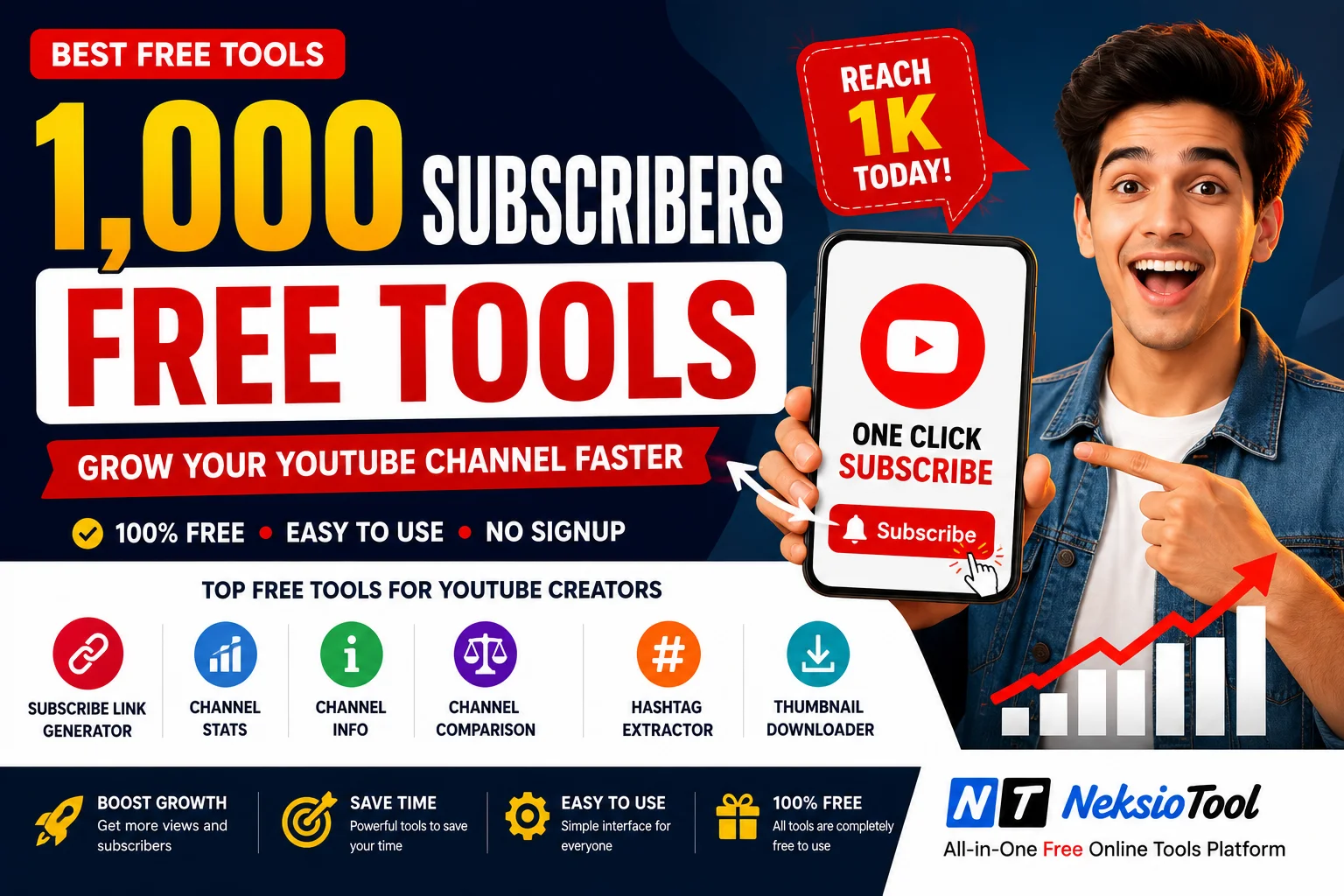
Enhance your YouTube channel growth with these complementary tools from Neksio:
- YouTube Subscribe Link Generator – Create direct subscription links
- 1K Subscribe Link Generator – Specialized tool for reaching 1K milestone
- CNIC Photocopy Tool – For Pakistani creators needing ID verification
- Feet to Pixels Converter – Useful for thumbnail design and print materials
For more detailed guides, explore our related articles:
Frequently Asked Questions
Yes! The Neksio YouTube Subscribe Link Generator is 100% free with no registration required. You can generate unlimited subscribe links at no cost.
Yes! By reducing the number of clicks required to subscribe from 3-4 clicks to just 1 click, you can significantly increase your conversion rate. Many creators report 2-3x more subscriptions when using direct subscribe links.
Absolutely! The YouTube Subscribe Link Generator works for all YouTube channels, regardless of size—from brand new channels to those with millions of subscribers.
Yes, the subscribe link works perfectly on all devices including smartphones, tablets, and desktop computers. It’s optimized for both iOS and Android.
YouTube Analytics shows your overall subscriber growth, but not clicks on specific links. To track performance, you can use URL shorteners like Bitly that provide click analytics.
No problem! You still need your Channel ID (which starts with “UC”) to use the generator, even if you have a custom URL. The tool will create a working subscribe link regardless.
No, your subscribe link is permanent and will work indefinitely unless you delete your YouTube channel.
Yes! You can use your subscribe link in Facebook ads, Google Ads, Instagram promotions, and other advertising platforms to drive subscriptions.
Conclusion
A YouTube Subscribe Link Generator is one of the simplest yet most powerful tools in a content creator’s arsenal. By making it effortless for viewers to subscribe to your channel, you remove friction and significantly increase your chances of gaining loyal subscribers.
Whether you’re just starting out or working toward monetization at 1,000 subscribers, using direct subscribe links can accelerate your growth. Combined with consistent, high-quality content and strategic promotion, this free tool can be the catalyst that takes your channel to the next level.
Don’t wait—generate your subscribe link today and start growing your YouTube channel more effectively!
Ready to Grow Your YouTube Channel? Create your direct subscribe link in seconds—free, fast, and easy to use!
Generate Your Subscribe Link Now →