Whether you are applying for a bank account, submitting official government job applications, registering a new SIM card, or securing university admission, providing a neat, properly scaled photocopy of your Pakistani National Identity Card (CNIC) is mandatory. In the past, this meant visiting a local photostat shop, waiting in long queues, and paying per page for manual copier adjustments.
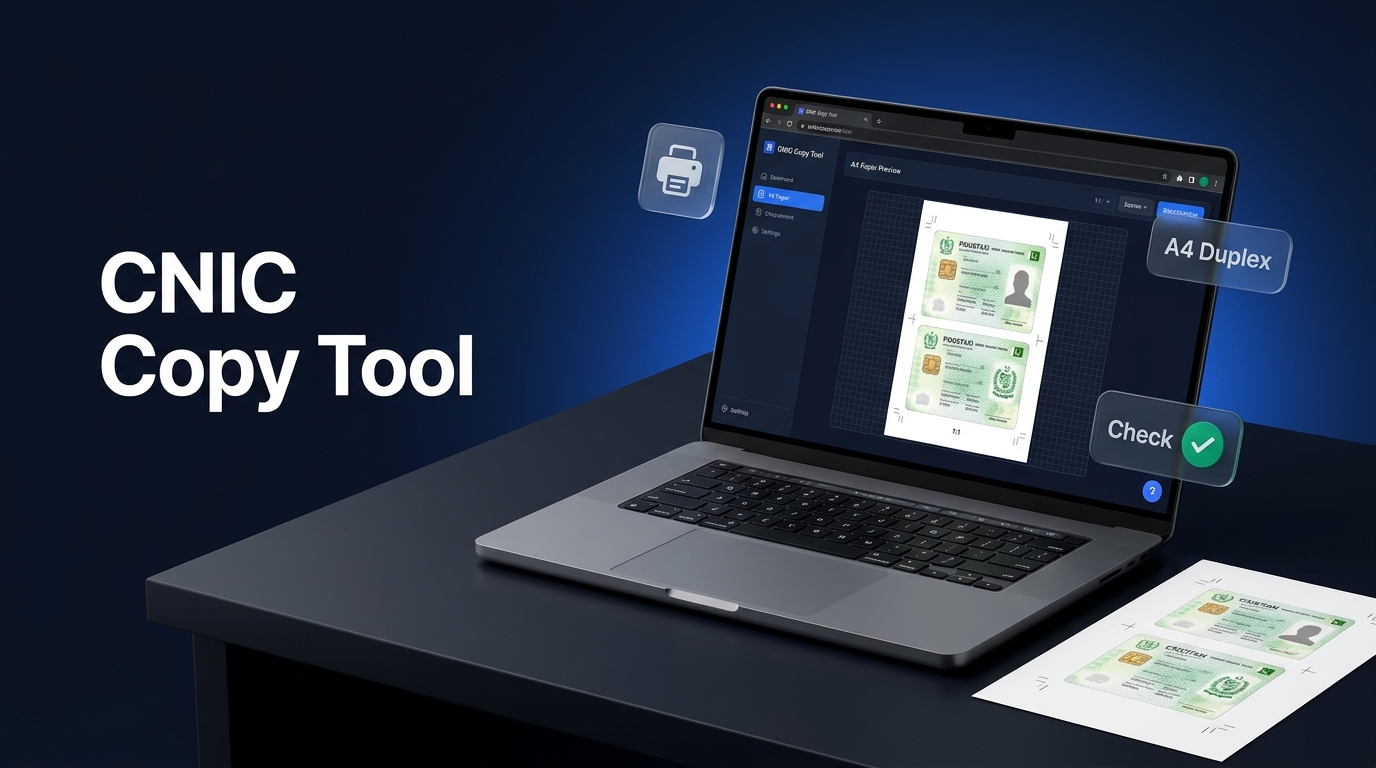
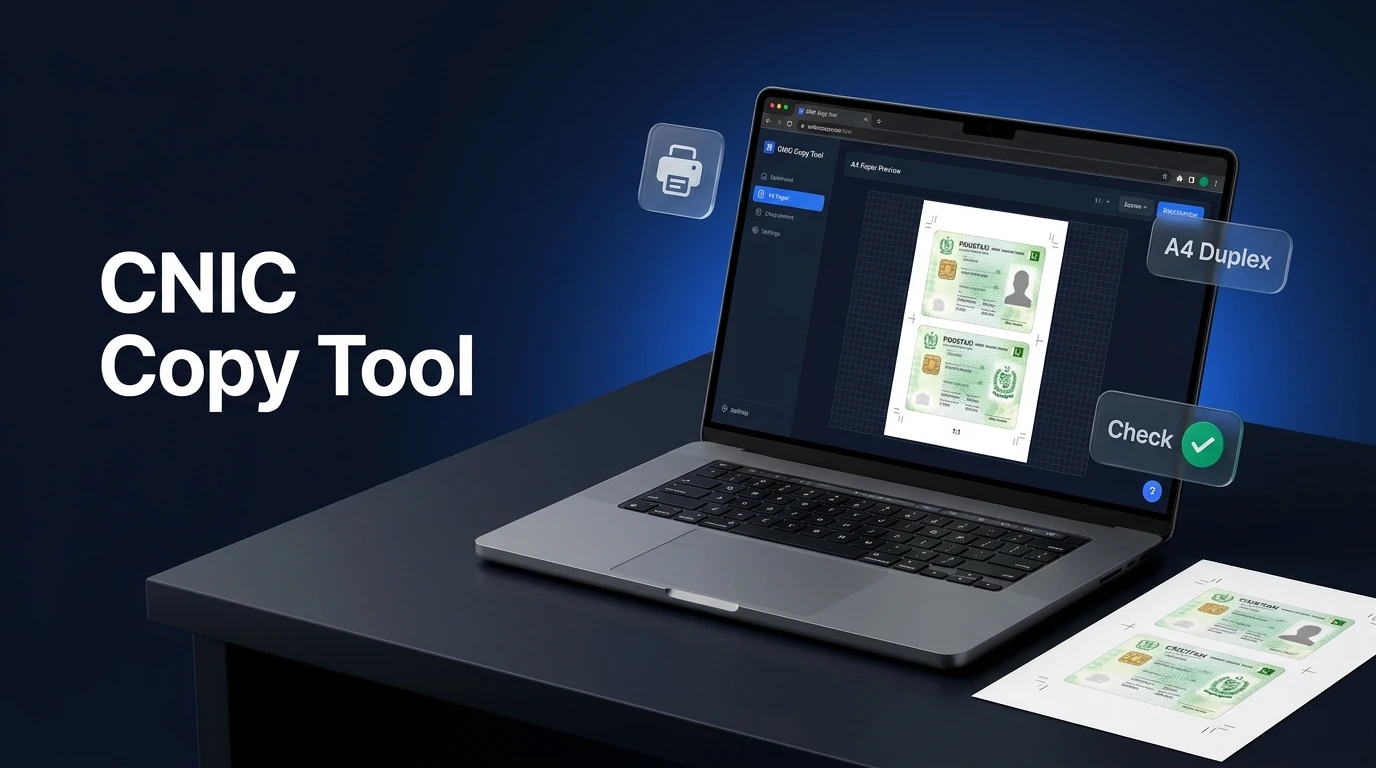
Today, you can make a perfect CNIC copy print online in less than 30 seconds directly from your phone or computer. The free Neksio CNIC Photocopy Generator allows you to upload your front and back card photos, crop out unwanted background clutter, align both sides on a standard A4 sheet, and download an official 1:1 scale PDF ready for printing.
In this comprehensive 2026 guide, you will learn the exact steps to generate a professional CNIC copy print online, create a vibrant CNIC color copy online or authentic black-and-white photostat, protect your identity with anti-fraud watermarks, and format 1, 4, or 8 copies on a single A4 page.
📌 Quick Summary & Key Highlights
- Official NADRA 1:1 Scale: Accurate 85.6 mm × 53.98 mm dimensions at 300 DPI resolution
- Dual Print Modes: Instant switch between vibrant color and commercial B&W photostat simulation
- Duplex Sheet Layouts: Generate 1 copy, 4 copies, or 8 copies on a single A4 sheet for two-sided printing
- 100% Client-Side Privacy: Zero server uploads; your personal identity cards remain on your device
- Anti-Fraud Watermarking: Add diagonal stamps like “For Bank Verification Only” to prevent forgery
📑 Table of Contents
- What Is CNIC Copy Print Online?
- Why Traditional Photostat Shops Fall Short
- Official NADRA CNIC Dimensions & Print Specifications
- Online CNIC Generator vs Traditional Photostat Shop
- Step-by-Step: How to Make a CNIC Copy Print Online
- How to Print 8 CNIC Copies on One A4 Page (Duplex Mode)
- Preventing Identity Theft with Custom Watermarks
- Related Tools for High-Quality Document Printing
- Frequently Asked Questions
- Key Takeaways
- Final Thoughts
What Is CNIC Copy Print Online?
A CNIC copy print online is a digital service that converts separate photographs of a Pakistani Computerized National Identity Card (Smart Card or Old CNIC) into a perfectly aligned, print-ready document formatted to standard A4 paper. Instead of manually arranging pictures in Microsoft Word or Photoshop, an automated CNIC copy print online generator handles scaling, rotation, centering, and margin calibration automatically.
When you use the Neksio CNIC print online tool, the application automatically computes physical margins based on international ID card standards. Both the front and back of your card are placed with precise millimeter spacing so that when printed at 100% scale on any office or home inkjet/laser printer, your CNIC copy print online matches the exact real-world dimensions of your physical card.
Why Traditional Photostat Shops Fall Short
For decades, Pakistani citizens relied on neighborhood photostat shops for copy prints. However, manual copying carries several frustrating drawbacks:
- Skewed Angles & Dark Shadows: Shop operators often press cards unevenly on the glass platen, creating distorted edges, black borders, and blurred micro-printing.
- Privacy Vulnerabilities: Passing your original card to third parties or leaving digital scans on public cyber cafe computers exposes your National Identity Number (NICOP/CNIC), father’s name, and family tree address to identity fraud. Creating your CNIC copy print online keeps your documents securely on your own device.
- Wasted Paper & Extra Costs: Printing multiple individual copies on separate sheets wastes paper and costs 10 to 30 PKR per single copy.
- Inconsistent Scaling: Photocopier zoom settings are frequently misconfigured, causing cards to print either oversized or unnaturally small, leading to rejection by banks or embassies.
Official NADRA CNIC Dimensions & Print Specifications
To ensure your printed copy is accepted without dispute by government departments, courts, banking institutions, and the National Database and Registration Authority (NADRA), your printout must adhere to strict international standard specifications:
📐 Official Card Specification Checklist
- Card Standard: ISO/IEC 7810 ID-1 standard format
- Physical Width: 85.60 millimeters (3.370 inches)
- Physical Height: 53.98 millimeters (2.125 inches)
- Corner Radius: 3.18 millimeters rounded corners
- Target DPI: 300 DPI (Dots Per Inch) minimum for razor-sharp Urdu text and QR code clarity
- Sheet Size: International Standard A4 (210 mm × 297 mm)
Detailed Comparison: Online CNIC Generator vs Traditional Photostat Shop
Here is how creating a CNIC photo copy through an online system compares to visiting a brick-and-mortar print center:
| Feature / Requirement | Neksio CNIC Copy Print Online | Local Photostat Shop |
|---|---|---|
| Processing Cost | 100% Free (Unlimited sheets) | 10 to 30 PKR per sheet |
| Time Required | Under 30 seconds | 15 to 30 minutes (travel & wait) |
| Output Quality Modes | Full Color, Photostat B&W, High-Ink Dark | Usually single grainy B&W setting |
| Scale Accuracy (1:1 Ratio) | Guaranteed 85.6 mm × 53.98 mm at 300 DPI | Subject to manual platen alignment errors |
| Duplex 8-Copy Multi-Grid | Automatic alignment on front and reverse | Complicated manual paper flipping |
| Custom Anti-Fraud Watermark | Included (Custom text, angle & opacity) | Not available (requires manual pen cross) |
| Data Privacy & Security | Zero server storage (Client-side memory) | Scans often saved on shared desktop history |
| Direct Mobile Camera Capture | Direct front/back snap via smartphone | Physical original card required in person |
Step-by-Step: How to Make a CNIC Copy Print Online
Preparing a clean, submission-ready CNIC copy print online requires no technical skills or software installation. Follow these four simple steps to prepare your card sheet for immediate printing:
-
Capture or Upload Clear Photos:
When preparing your CNIC copy print online, place your CNIC on a plain, well-lit flat surface (such as a white desk or clean sheet of paper). Open the CNIC Photocopy Generator and upload both the front and back sides using your phone camera or file browser. -
Crop & Straighten Card Edges:
Use the interactive cropping tool to remove extraneous table borders, fingers, or shadows. Rotate the image 90 degrees if your phone captured it vertically. -
Select Sheet Layout & Color Style:
Choose your preferred layout:- 1 Copy (Standard): Stacks Front and Back vertically in the center of an A4 page.
- 4 Copies: Ideal for distributing multiple copies to colleagues or clients.
- 8 Copies (Duplex): Perfect for maximizing paper economy on double-sided printers.
-
Add Security Watermark & Export:
Type your purpose into the watermark box (e.g., “For Nadra Verification Only”). Once you finalize your CNIC copy print online layout, click Download PDF for an ultra-sharp vector PDF or press Print A4 to send the job directly to your connected printer.

How to Print 8 CNIC Copies on One A4 Page (Duplex Mode)
If you run an office, a small business, or need several copies for multiple department submissions, printing one card per page is wasteful. Producing an 8-card CNIC copy print online solves this by placing eight copies on a single sheet of paper:
🔄 How Duplex Alignment Works:
When you select the 8-copy duplex option, Neksio Tools automatically creates a two-page master file:
- Page 1: Contains 8 front-side card images arranged in 2 columns of 4 rows.
- Page 2: Contains 8 back-side card images with horizontally mirrored column order.
When you feed the printed Page 1 back into your printer’s manual feed tray (or use automatic two-sided printing), the back side aligns exactly behind each respective front side. Simply cut along the outer boundary lines with scissors or a paper trimmer to get 8 perfect two-sided identity cards!
Preventing Identity Theft with Custom Watermarks
Identity theft and fraudulent SIM card issuance remain major security concerns in Pakistan. Unscrupulous individuals often photocopy abandoned ID cards to register illegal SIMs or obtain unauthorized loan approvals. Adding a custom watermark to your CNIC copy print online provides immediate fraud protection.
You can protect yourself by adding a custom semi-transparent text watermark across your CNIC photo copy. Recommended watermarking phrases include:
For HBL Account Opening Only - Date: 30-10-2026For Ufone SIM Registration OnlySubmitted to University of the Punjab Admission DeskNot Valid for Financial or Property Transactions
Because the watermark is embedded semi-transparently across the micro-printed background pattern and photo, removing it in image editors without destroying the text beneath is nearly impossible, rendering stolen copies useless for scammers.
Related Tools for High-Quality Document Printing
To ensure your document workflows run smoothly from scanning to final print, combine your CNIC copy print online workflow with these free companion utilities:
- Image DPI Checker & 300 DPI Converter: Verify that your scanned card photos meet the 300 DPI baseline required for crisp official document printing.
- HTML to PDF Converter: Convert web documents, invoices, and certificates into standardized A4 PDF files.
- Neksio Web Tools Suite: Browse over 50+ free developer, SEO, and utility web tools designed for maximum privacy and browser-based speed.
Start Generating Your CNIC Copies Now
Ready to prepare your identity card copies in official NADRA format without leaving your desk? Start your CNIC copy print online right now with zero software installation required.
Make Your CNIC Copy Print Online in 30 Seconds
100% Free, Official 1:1 Scale, Duplex A4 Layout, and Complete Client-Side Privacy.
Open Free CNIC Photocopy Tool →No login required • Works seamlessly on all Android, iOS & Desktop browsers
Frequently Asked Questions
To create a CNIC copy print online, upload clear photos of your front and back CNIC sides to the free Neksio CNIC Photocopy tool. Choose the 1 Copy or 8 Copies layout, adjust brightness or watermark, and click Download PDF or Print A4. Both sides are automatically centered and scaled to official NADRA card dimensions.
According to official ISO/IEC 7810 ID-1 standards, an original Pakistani NADRA CNIC Smart Card measures 85.60 mm by 53.98 mm (3.37 inches by 2.125 inches). When printed at 100% scale at 300 DPI, your online printout matches the physical card exactly.
Yes. The generator supports Original Color mode for a high-definition CNIC color copy online, along with an authentic Photostat B&W mode and a High-Ink Dark mode that replicates commercial Xerox photocopier machines.
Select the ‘8 Copies Duplex’ option in the layout settings. The tool organizes 8 front-side copies on page 1 and aligns 8 back-side copies in the exact matching positions on page 2. Printing double-sided on your printer produces 8 complete double-sided cards ready to cut.
Yes, 100% safe. All image cropping, watermark rendering, and PDF generation occur purely inside your browser memory using HTML5 Canvas. Your sensitive identification images are never uploaded or stored on any remote server.
Use the built-in custom watermark feature to stamp your intended purpose diagonally across the card (such as ‘For Bank Account Opening Only’ or ‘For SIM Verification Only’). This ensures your CNIC copy cannot be misused elsewhere.
Key Takeaways
- CNIC Copy Print Online eliminates photostat queues, crooked card borders, and manual copier errors.
- Official 1:1 Scale: Prints accurately at 85.60 mm × 53.98 mm, matching physical Pakistani Smart Cards.
- Versatile Modes: Switch instantly between vibrant color and true B&W photostat effects.
- Paper Economy: Produce up to 8 duplex copies per A4 sheet for bulk office or institution use.
- Guaranteed Privacy: Zero files leave your computer or smartphone, protecting your personal data.
Final Thoughts
Creating clear, government-compliant identity card copies no longer requires paying photostat operators or fiddling with complex desktop publishing software. Choosing a secure CNIC copy print online tool guarantees 1:1 scale accuracy, protects personal information, and produces crisp, watermarked, duplex-ready copies in seconds from the comfort of your home or office.
Bookmark this page for your future document submissions, and experience the speed of modern browser-based utilities at Neksio Tools.
Never wait at a photostat shop again! Create your free, perfectly scaled CNIC copy print online in seconds.
Launch CNIC Photocopy Tool Now →