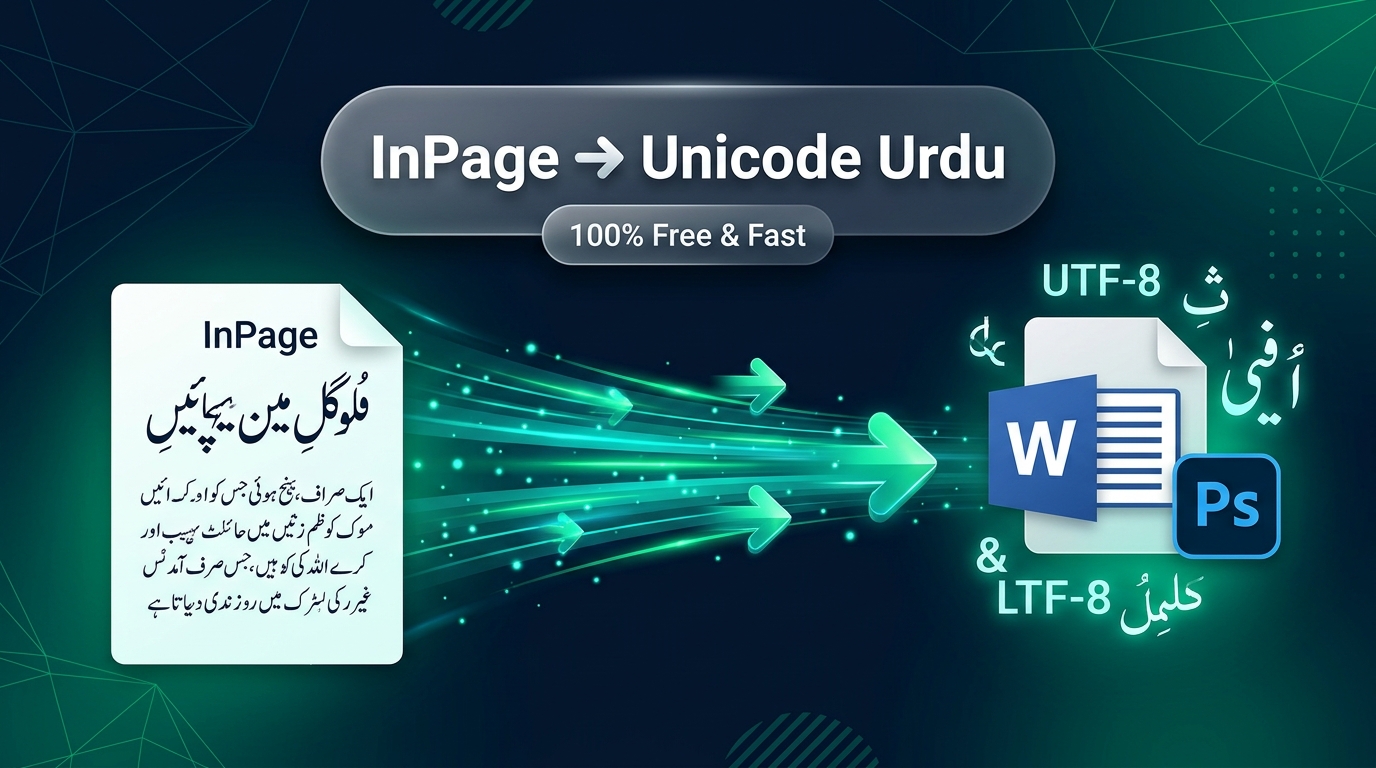
Need to convert MS Word or web Urdu into InPage immediately?
Use our free, bit-accurate Unicode to InPage Urdu Converter. Convert thousands of words from Microsoft Word, Google Docs, WhatsApp, or websites into clean InPage Nastaleeq in a fraction of a second.
Why Can’t You Paste MS Word or Web Urdu Directly into InPage?
Today, modern authors, journalists, researchers, and legal professionals compose their Urdu manuscripts directly on laptops, smartphones, Google Docs, and Microsoft Word using standardized phonetic keyboards provided by utilities like Pak Urdu Installer.
However, when you need to send that text to a printing press, commercial book publisher, or government agency that insists on publishing through InPage Urdu (.inp), you hit a stubborn roadblock:
???????? ????? ???! ??????? ???? ?? ???? ?????? ??????? ?? ???? ??? ?? ??? ????(What happens when you press Ctrl+V with Unicode Urdu directly inside InPage)
The Technical Reason: Modern applications write text to the Windows clipboard in universal Unicode UTF-8 / UTF-16 format. But legacy InPage software (first developed in the 1990s) does not understand Unicode. It expects clipboard data formatted with an internal control code (ASCII 0x04) coupled with proprietary 8-bit glyph indices. When InPage receives raw Unicode characters, it cannot find matching entries in its internal table, resulting in a string of question marks or scattered English characters.
How to Convert Unicode Urdu to InPage in 3 Simple Steps
Neksio’s Unicode to InPage Converter bridges modern Unicode technology with legacy InPage software seamlessly:
Copy Unicode Text
Copy your Urdu text from Microsoft Word, Google Docs, WhatsApp, or any webpage (Ctrl + C).
Paste in Neksio Tool
Open our Unicode to InPage Converter. Paste your text into the left box. The converted InPage encoded format appears instantly on the right.
Paste into InPage
Click the “Copy for InPage” button. Switch to your InPage window, select the Text Tool (I), and press Ctrl + V. Your text appears in beautiful Noori Nastaleeq!
Convert Unicode Urdu to InPage Online (Instant & Accurate)
Supports InPage 2000, InPage 2.4, InPage 3, and all major InPage releases. Full ligature mapping, inverted digit correction, and zero character drops.
3 Common InPage Conversion Errors & How Neksio Fixes Them
If you have ever used older converters, you have likely encountered frustrating errors that ruin entire manuscripts. Here is how Neksio Tools engineers a 100% bug-free experience:
1. The Reversed Number & Percentage Bug (100% becoming ٪۰۰۱)
Because InPage was coded in 1994 with an inverted right-to-left digit buffer, pasting numbers like 100% or ۲۰۲۶ often reversed the numbers into ٪۰۰۱ or ۶۲۰۲. Neksio’s algorithm contains an intelligent bidirectional digit pre-reversal engine that automatically formats numbers and percentage signs so they display in proper left-to-right order inside InPage.
2. Broken Hamza and Ligatures (ہ vs ۂ and ء vs ئ)
Many converters confuse Arabic Hamza (ء) with Urdu Chhoti He with Hamza (ۂ) or Bari Ye with Hamza (ئے). Neksio’s conversion dictionary includes over 107 verified rules that distinguish between:
- Alif Madda (آ): Correctly maps to InPage compound sequence
81-B3. - Vowel Hamza (ؤ, ئ, ۂ): Accurately translated to avoid character disconnection.
- Urdu Full Stop (۔): Mapped to InPage byte
F3rather than the Latin period (.). - Urdu Comma (،) and Semicolon (؛): Mapped to proper inverted Urdu punctuation glyphs.
3. Preserve English Text Inside Urdu Paragraphs
If your article contains English words, acronyms, or model names (such as “Neksio Tools Pro 2026”), our converter automatically recognizes standard ASCII character codes and preserves them without converting them into random Urdu letters.
InPage Character Mapping & Diacritics (Aeraab) Reference
| Urdu Unicode Character | Character Name | InPage Internal Hex | Conversion Status |
|---|---|---|---|
| آ | Alif Madda | 81-B3 | ✅ 100% Accurate |
| ؤ | Waw Hamza | A2-BF | ✅ 100% Accurate |
| ۂ | Chhoti He Hamza | A6-BF | ✅ 100% Accurate |
| ﷺ | Sallallahu Alayhi Wasallam | F6 | ✅ 100% Accurate |
| ﷲ | Allah Ligature | CB | ✅ 100% Accurate |
| ۔ | Urdu Khatma (Full Stop) | F3 | ✅ 100% Accurate |
Frequently Asked Questions (FAQs)
Can I paste the output into InPage on Windows 11?
Yes! Whether you are running InPage on Windows 11, Windows 10, Windows 7, or through virtual machines, the copied text is formatted to work with InPage’s clipboard buffer seamlessly.
Why do I see unusual symbols in the InPage Output box?
The output box shows InPage’s raw font encoding codes (such as symbols and Latin glyphs). This is completely normal and intentional! When you copy those codes and press Ctrl + V inside InPage, InPage translates those exact glyph codes into beautiful Noori Nastaleeq calligraphy.
How can I type Urdu directly in Windows without InPage?
You can install Pak Urdu Installer, which sets up an Urdu Phonetic Keyboard and Jameel Noori Nastaleeq fonts directly on your Windows PC. Read our complete Pak Urdu Installer guide to get started.
Is this tool free and safe for commercial publishers?
Yes, 100% free with unlimited conversions. All text processing executes securely inside your web browser without sending any text to external servers, protecting your books, articles, and legal documents.