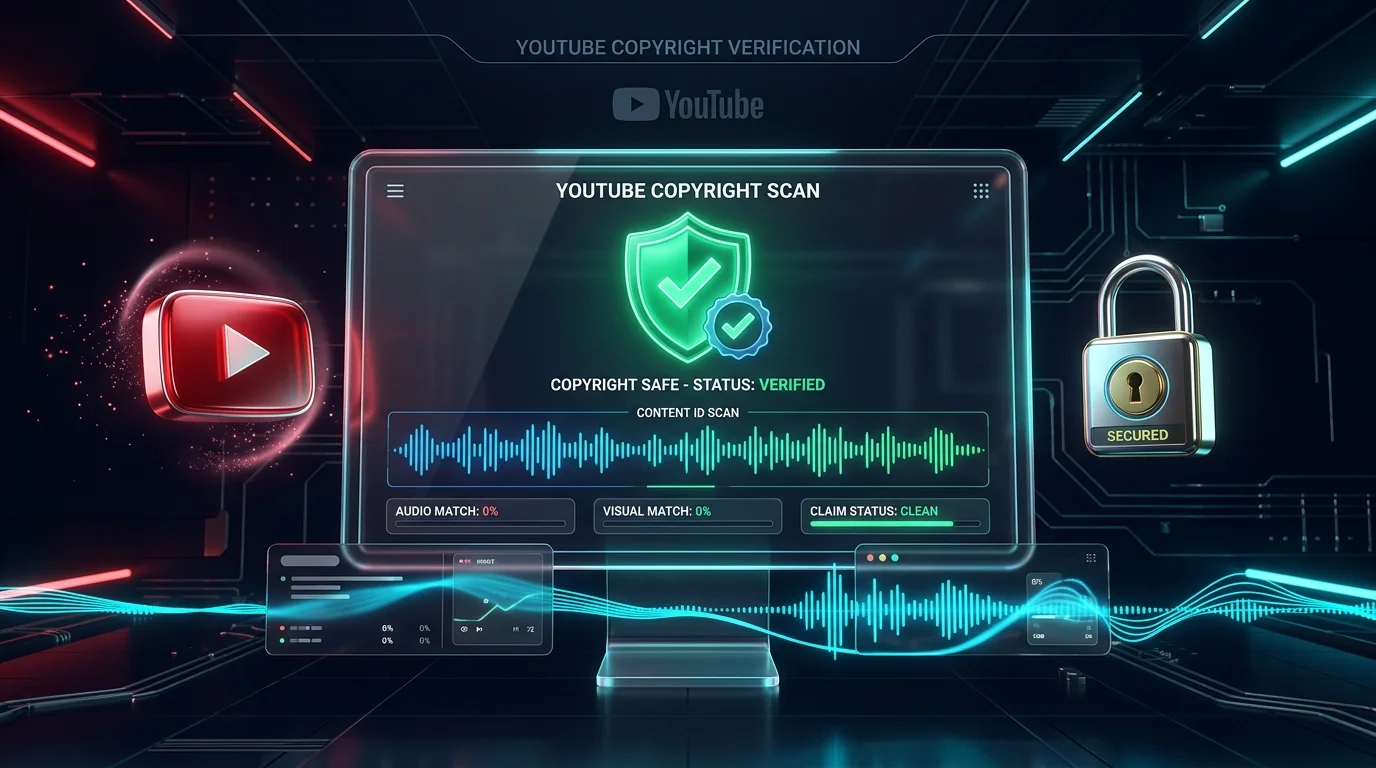
Check YouTube Video Copyright Status in Seconds
Scan any YouTube video URL or Video ID instantly. Uncover license details, Content ID status, embed permissions, and country restrictions with zero software downloads.
Navigating digital copyright on YouTube has become one of the most hazardous challenges for modern video creators, educators, editors, and digital agencies. Every minute, more than 500 hours of video are uploaded to YouTube, and safeguarding your channel from automated algorithmic penalties or formal takedown notices is paramount. If you are searching for an authoritative youtube copyright checker online free guide that breaks down the mechanics of Content ID, legal licensing, and strike prevention, this exhaustive manual delivers the exact workflow you need.
A single unvetted audio snippet, background melody, or syndicated stock clip can trigger immediate demonetization, channel strikes, or complete account termination. By mastering how to check youtube video copyright status and screening your content through a trusted free YouTube video copyright checker, you can publish videos with absolute confidence.
Understanding YouTube Copyright Architecture: How Content ID Works
YouTube enforces digital intellectual property through a multi-billion-dollar proprietary algorithmic scanning matrix known as Content ID. When major record labels, movie studios, podcast networks, and broadcast networks partner with YouTube, they deposit reference audio files and video fingerprints into the Content ID database. YouTube then cross-references every uploaded second of footage against this vast library.
Whenever you publish or analyze media, YouTube inspects three core attributes:
- Audio Spectrogram Matching: Acoustic fingerprinting algorithms identify background songs, instrumental samples, covers, and speech tracks, even if pitch-shifted or tempo-altered.
- Visual Frame Hash Indexing: Video engines detect duplicate frames, color grade patterns, cinematic sequences, and watermarked B-roll footage.
- Licensing Metadata Flags: The platform records whether the asset is bound by standard broadcasting syndication agreements (
licensedContent: true) or distributed under an open Creative Commons framework.
Relying on a dependable video copyright checker online free tool allows you to examine these underlying API parameters before incorporating external media into your own projects.
Copyright Claim vs. Copyright Strike: The Life-or-Death Difference
Many creators mistakenly use the terms “copyright claim” and “copyright strike” interchangeably, yet legally and operationally, they are worlds apart. Understanding this contrast is critical for any creator using a youtube copyright checker.
| Evaluation Criteria | Content ID Claim (Notification) | DMCA Copyright Strike (Legal Penalty) |
|---|---|---|
| Origin | Automated algorithmic match via Content ID | Formal legal takedown notice submitted by rights holder |
| Channel Health Impact | Zero channel penalties; channel remains in Good Standing | Severe penalty recorded against your channel account |
| Video Status | Video usually stays live (unless blocked worldwide by owner) | Video is immediately pulled down and removed from YouTube |
| Monetization Consequence | Ad revenue is transferred to the claimant or held in escrow | Immediate loss of video revenue; live streaming privileges restricted |
| Penalty Accumulation | Claims do not accumulate toward channel termination | 3 strikes within 90 days results in permanent channel deletion |
| Resolution Path | Mute, trim, replace audio track, or submit internal dispute | Submit counter-notification, request retraction, or complete Copyright School |
YouTube License Types Explained: Standard vs. Creative Commons
When you scan a video using our free YouTube video copyright checker, the tool inspects the video’s underlying legal license parameter. YouTube supports two distinct licensing models:
1. Standard YouTube License (license: youtube)
The Standard YouTube License is the platform’s default setting. Under this license:
- The original creator retains full exclusive copyright ownership.
- You are granted viewing rights through official YouTube applications only.
- You cannot re-upload, sample, translate, or remix any portion of the audio or video without explicit written permission or a valid commercial license.
- Automated Content ID systems will flag any unauthorized republication.
2. Creative Commons Attribution License (license: creativeCommon)
The Creative Commons Attribution (CC BY 3.0 / 4.0) license is an open distribution model. When a creator designates this license:
- Other creators are legally permitted to reuse, remix, transform, and incorporate the footage into their own original videos.
- Commercial use is permitted as long as clear attribution is provided to the original creator in your video description.
- Cautionary Note: Always verify that the uploader genuinely owned the rights to designate Creative Commons. Dishonest uploaders occasionally label commercial Hollywood movie scenes or Billboard music as “Creative Commons,” leaving downstream users vulnerable to legitimate copyright strikes.
Step-by-Step Guide: How to Check Any YouTube Video Copyright Online
Conducting a pre-upload verification with a youtube copyright checker online free solution requires only a few seconds. Follow this structured five-step workflow to audit any link:
Copy the Target Video URL or 11-Character ID
Locate the video you wish to inspect on YouTube. Copy its web address from the browser address bar (e.g., https://www.youtube.com/watch?v=dQw4w9WgXcQ) or extract the unique 11-character video ID code.
Open the Neksio Copyright Verification Tool
Head to the Neksio YouTube Video Copyright Checker. Paste your copied URL or identifier into the central search box.
Execute the Live API Database Query
Click the Check Video button. The system transmits a secure handshake to the YouTube Data API v3 infrastructure, bypassing cached assumptions to read live video metadata.
Analyze Content ID & Licensing Parameters
Examine the generated diagnostics report. Pay specific attention to:
- Licensed Content: If marked
true, the content has been syndicated and claimed by corporate partners through Content ID. - License Type: Confirms whether the asset is Standard or Creative Commons.
- Embed Status: Verifies whether external embedding on third-party sites is authorized.
Audit Territorial & Country-Level Restrictions
Review the region_blocked and region_allowed data fields. If the video is restricted in specific jurisdictions (such as Germany, Japan, or North America), using its assets will trigger automatic viewing blocks in those regions.
5 Common Copyright Traps That Destroy YouTube Channels
Even seasoned creators frequently succumb to widespread internet myths surrounding copyright law. When utilizing a youtube copyright checker, avoid these five disastrous pitfalls:
Trap 1: The “5-Second / 10-Second Fair Use” Fallacy
There is no statutory rule anywhere in international copyright law that permits using 5, 10, or 30 seconds of copyrighted music without permission. Content ID audio fingerprint algorithms can identify songs in as little as 0.5 seconds. If an asset is copyrighted, using even 2 seconds can trigger a claim.
Trap 2: Believing “Giving Credit” Grants Legal Protection
Writing “No copyright infringement intended, all rights belong to the artist” in your video description offers zero legal protection. Giving credit is an attribution courtesy, not a legal license. Content ID bots completely ignore text descriptions when issuing automatic monetization claims.
Trap 3: Purchasing on iTunes, Spotify, or Vinyl Equals Commercial License
Buying a song on iTunes, streaming it via Spotify, or owning a physical CD gives you a personal listening license only. It does not confer commercial synchronization (sync) rights, public broadcasting rights, or the right to pair the audio with your video footage.
Trap 4: Speeding Up, Slowing Down, or Pitch-Shifting Audio
While altering playback speed or pitch by a few semitones once fooled primitive filters in 2012, modern neural Content ID engines use invariant spectral harmonic tracking. Altered audio is quickly identified, and attempting to bypass filters can be viewed by YouTube as deliberate infringement, making dispute resolution nearly impossible.
Trap 5: Assuming Non-Monetized Channels Are Immune
Whether your channel has 10 subscribers or 1,000,000 subscribers, copyright rules apply identically. Turning off monetization on your video does not prevent rights holders from blocking your upload or issuing formal DMCA takedown strikes.
How to Resolve Copyright Claims & Strikes (Official Studio Workflow)
If your upload receives an automated notification despite your best efforts, follow YouTube’s sanctioned remediation procedures:
Trim Out Segment
Use YouTube Studio’s built-in editor to cut out the exact copyrighted timeframe. The video URL, comments, and view count remain completely intact.
Replace Audio Track
Swap the claimed background song with a pre-cleared royalty-free track from the YouTube Audio Library directly inside Studio without re-uploading.
Mute Audio Portion
Select “Mute Song Only” (beta audio isolation that keeps dialogue intact) or mute the full audio during the claimed segment to remove the dispute.
Submit a Dispute
If you hold a valid commercial license, if the claim is a false match, or if your usage qualifies strictly as Fair Use (e.g., critique or parody), file a formal dispute.
100% Safe & Free Audio Resources for YouTube Creators
To ensure your videos remain 100% immune to Content ID flags, transition your production pipeline to verified copyright-free repositories:
- YouTube Audio Library (Recommended): Directly accessible inside YouTube Studio. Every track and sound effect is pre-cleared for lifetime monetization with zero risk of claims.
- Free Music Archive (FMA): Thousands of curated indie tracks licensed under public domain and Creative Commons frameworks.
- Incompetech (Kevin MacLeod): The gold standard of creator music; requires standard attribution in your description for free commercial use.
- Pixabay Audio & Freesound.org: Ideal for high-definition ambient sound design, Foley effects, and transition swooshes under permissive open licenses.
Frequently Asked Questions About YouTube Copyright Checking
+
A YouTube copyright checker online free tool is a specialized web utility that queries YouTube’s official Data API and Content ID databases to reveal a video’s legal license type, syndication restrictions, Content ID syndicate claims, and global territory blocks without requiring software installation.
+
A Content ID claim is an automated match by rights holders that typically redirects ad revenue or tracks viewer analytics without harming channel standing. In contrast, a DMCA copyright strike is a formal legal takedown notice that removes the video, imposes upload restrictions, and results in permanent channel termination if three strikes accumulate within 90 days.
+
Yes, videos published under Creative Commons Attribution (CC BY) can be reused, edited, and remixed in your own videos, provided you give appropriate credit to the original creator. However, you must verify that the original uploader had legitimate rights to license the material under Creative Commons.
+
No. Giving credit, stating ‘no copyright intended,’ or mentioning fair use in your video description does not grant legal copyright permission. Rights holders and automated Content ID algorithms can still claim or strike your video unless you possess an explicit commercial license or your use qualifies legally under statutory fair use doctrine.
+
During the YouTube Studio upload process, YouTube automatically runs an internal ‘Checks’ scan on your video file against the Content ID fingerprint database. This scan identifies potential copyright claims and ad-suitability issues before you set the video to public, giving you time to edit or dispute flagged segments.
+
Within YouTube Studio, navigate to Content > Details > Copyright. You can resolve the claim directly using YouTube’s built-in editing tools: trim out the claimed segment, replace the claimed audio track with free music from the YouTube Audio Library, or mute the specific song while leaving your spoken commentary intact.