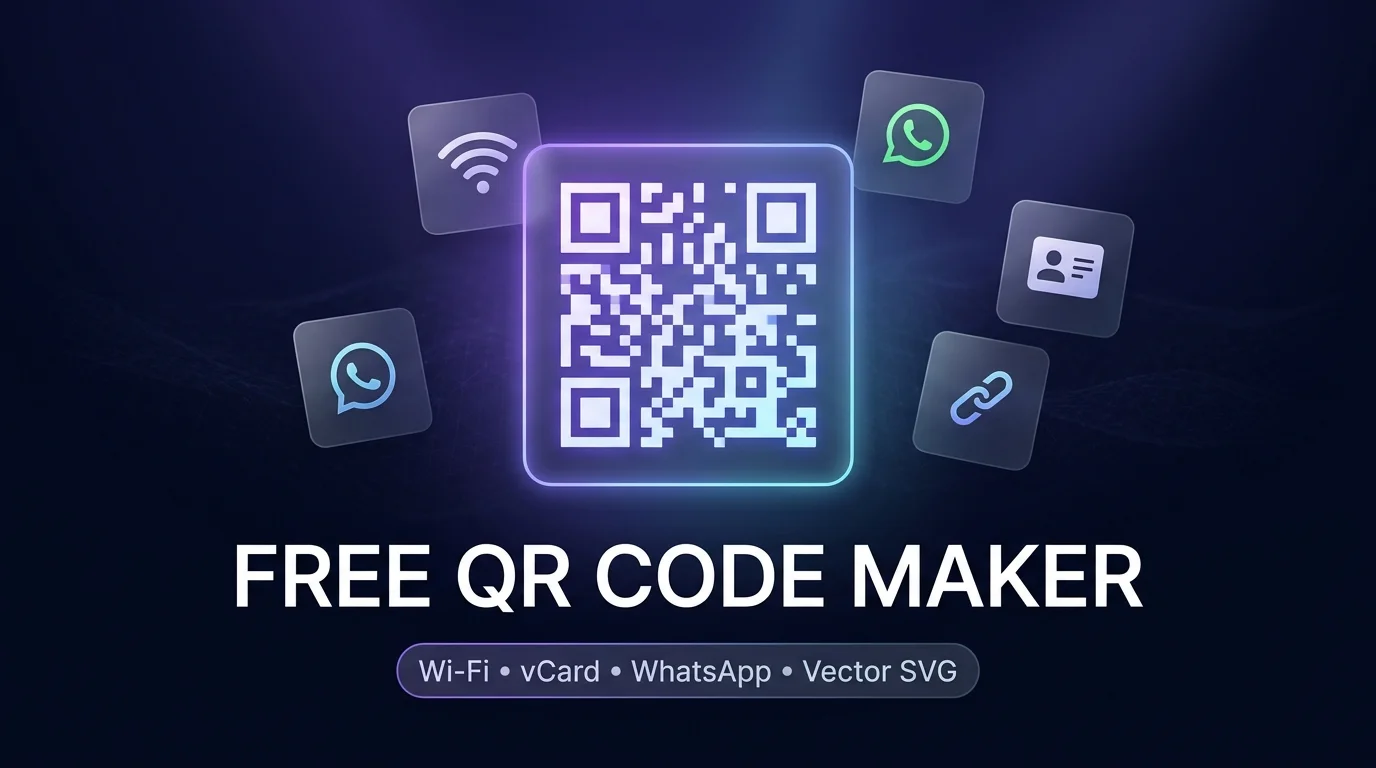
Looking for a reliable, privacy-first free qr code maker that lets you generate custom high-resolution codes without paywalls, sign-up requirements, or expiring links? Whether you need instant guest Wi-Fi access for your cafe, a digital vCard for business networking, a direct WhatsApp chat trigger, or trackable promotional marketing links, our Free QR Code Maker Studio provides client-side generation with vector SVG, PNG, and WebP export options.
Unlike traditional online generators that route your sensitive Wi-Fi passwords and personal contact details through third-party servers, a modern free qr code maker executes the entire matrix encoding locally in your web browser. Your confidential credentials never leave your device, ensuring complete data security and permanent, non-expiring functionality.
Table of Contents
- 1. What is a Free QR Code Maker and How Does It Work?
- 2. Supported Data Types in Our Free QR Code Maker Studio
- 3. 5 Easy Steps to Generate Custom Codes with Our Free QR Code Maker
- 4. Static vs. Dynamic QR Codes: Key Differences
- 5. Understanding QR Code Error Correction Levels (L, M, Q, H)
- 6. Best Practices for Printing High-Resolution Vector QR Codes
- 7. Troubleshooting Common QR Code Scanning Failures
- 8. Frequently Asked Questions (FAQ) About Free QR Code Maker
1. What is a Free QR Code Maker and How Does It Work?
A free qr code maker is a specialized software utility that converts alphanumeric data into a two-dimensional matrix barcode based on the global ISO/IEC 18004 international standard. Originally invented in 1994 by Masahiro Hara for Denso Wave to track automotive components, Quick Response (QR) codes have evolved into the universal bridge connecting physical environments with digital experiences.
Unlike standard one-dimensional UPC barcodes that store a maximum of 20 to 30 digits horizontally, two-dimensional QR codes encode information across both vertical and horizontal axes. This multidimensional matrix architecture allows a QR code to store up to 7,089 numeric characters or 4,296 alphanumeric characters in a compact, scannable footprint. Modern smartphones running iOS and Android feature native camera barcode decoders, eliminating the need for third-party scanning apps.
When you feed information into our free qr code maker, the underlying algorithm partitions your data into binary segments, calculates Reed-Solomon algebraic error correction codes, and renders a grid consisting of dark modules on a light background flanked by distinctive three-corner positioning targets.
2. Supported Data Types in Our Free QR Code Maker Studio
Not all QR codes serve the same purpose. Our standalone studio supports eight specialized data protocols, allowing you to tailor the automated action triggered when a smartphone camera scans your code:
| Data Protocol | Standard Format Prefix | Smartphone Action Triggered | Primary Use Case |
|---|---|---|---|
| Website URL | https:// |
Opens browser to specified web destination | Marketing campaigns, product packaging, menus |
| Plain Text | Raw UTF-8 text | Displays notes, secret keys, or serial codes | Inventory tracking, event tickets, Wi-Fi notes |
| Wi-Fi Network | WIFI:T:WPA;S:SSID;P:Key;; |
Automatically connects device without typing password | Cafes, hotels, offices, home guest networks |
| vCard 3.0 | BEGIN:VCARD ... END:VCARD |
Prompts one-tap “Save to Contacts” with phone & email | Business cards, networking badges, portfolios |
| WhatsApp Chat | https://wa.me/Number?text=Msg |
Launches WhatsApp with pre-filled message | Customer support, lead generation, bookings |
| Direct Email | mailto:Email?subject=&body= |
Opens default mail app with drafted template | Inquiries, RSVP forms, support tickets |
| SMS Message | SMSTO:Number:Message |
Pre-populates SMS app for quick sending | Contest entries, authentication, quick alerts |
| Phone Call | tel:PhoneNumber |
Prompts instant phone call confirmation | Emergency contacts, hotlines, local service dispatch |
3. 5 Easy Steps to Generate Custom Codes with Our Free QR Code Maker
Creating a production-ready barcode using our free qr code maker takes less than sixty seconds. Follow this straightforward step-by-step walkthrough to customize your code for print or web deployment:
Select Your Target Protocol
Navigate to the Free QR Code Maker Studio. Click on the protocol button matching your workflow (e.g., URL / Link, Wi-Fi, Contact vCard, WhatsApp, Email, or Phone Call). The input fields immediately adapt to request only the relevant data.
Enter Your Data Credentials
Input your destination web link or fill in contact fields. If generating a marketing link, combine your URL with our UTM campaign tracking URLs to monitor attribution in Google Analytics. For Wi-Fi codes, enter your exact network SSID, select encryption type (WPA/WPA2/WPA3 or WEP), and enter the network security key.
Customize Foreground and Background Colors
Choose distinct colors for your modules and background canvas. Always maintain a high contrast ratio (such as dark navy or black foreground over a crisp white background) to guarantee optical readability across all mobile camera sensors.
Configure Resolution & Error Correction
Adjust the export resolution slider according to your physical media size (e.g., 512px for digital banners, 1024px to 2048px for outdoor posters or billboard printing). Select your desired Reed-Solomon redundancy level (Level M for standard packaging, Level H if placing a company emblem or logo in the center).
Test Scannability & Download Vector or Raster Files
Prior to printing, scan the live interactive preview box directly with your mobile phone camera. Once verified, download your asset as a crisp PNG, lossless Vector SVG, or compact WebP format, or click “Print QR Code Sheet” to print standard 4×4 or 3×3 label grids directly from your browser.
4. Static vs. Dynamic QR Codes: Key Differences
Understanding the technical differences between static and dynamic barcodes is critical when deploying physical marketing collateral:
Static QR Codes (Permanent & Direct)
- Data Storage: Raw destination payload is hardcoded directly into the geometric matrix pattern.
- Lifespan: Permanent and perpetual. Works forever with zero expiration date.
- No Subscription Fees: Generated 100% free with no monthly subscription or maintenance costs.
- Security & Privacy: No intermediate redirection server can track, log, or harvest your visitors’ IP addresses.
- Limitation: Once printed on physical flyers or business cards, the destination URL or text cannot be edited.
Dynamic QR Codes (Redirect-Based)
- Data Storage: Encodes a short vanity redirect URL operated by a commercial SaaS provider.
- Editable URLs: The final destination URL can be changed in an online portal without reprinting collateral.
- Scan Analytics: Tracks geolocation, operating system, and scan timestamps.
- Vendor Lock-in Risk: If you stop paying a monthly subscription fee, the vendor disables your redirect, rendering your printed marketing materials useless.
For business cards, local Wi-Fi placards, restaurant tables, and direct customer contact, our free qr code maker generates authentic, unmediated static QR codes. You retain 100% ownership of your assets with zero recurring fees or vendor lock-in risks.
5. Understanding QR Code Error Correction Levels (L, M, Q, H)
QR codes incorporate the mathematical Reed-Solomon error correction algorithm, enabling barcode scanners to recover damaged, smudged, or partially obscured data modules. Choosing the right redundancy tier ensures optimal performance for your specific environment:
| Redundancy Level | Recovery Capacity | Matrix Density | Ideal Real-World Application |
|---|---|---|---|
| Level L (Low) | Recovers ~7% missing data | Lowest density (cleanest matrix) | Digital screens, clean indoor displays, very long text strings |
| Level M (Medium) | Recovers ~15% missing data | Standard density | Default choice for product packaging, flyers, and restaurant menus |
| Level Q (Quartile) | Recovers ~25% missing data | Higher density | Industrial warehouse tags, direct-mail postcards, outdoor signage |
| Level H (High) | Recovers ~30% missing data | Highest density | Branded QR codes with centered logos, decals exposed to harsh weather |
6. Best Practices for Printing High-Resolution Vector QR Codes
To ensure reliable scanning on physical materials across different lighting conditions and mobile lenses, adhere to these professional printing standards:
-
Maintain the Quiet Zone Margin:
Always preserve a blank boundary margin around the entire perimeter of the matrix equal to at least 4 modules in width. Printing edge-to-edge without a quiet zone causes camera edge-detection algorithms to fail. -
Adhere to the 10:1 Scanning Distance Ratio:
As a golden rule of optical scanning, your QR code physical width should equal approximately one-tenth of the anticipated scanning distance. For a handheld business card scanned from 20 cm away, a 2 x 2 cm matrix is sufficient. For an outdoor exhibition banner scanned from 2 meters, your QR code must measure at least 20 x 20 cm. -
Export as Scalable Vector Graphics (SVG):
When providing artwork to commercial offset or digital printers, utilize our SVG export feature. Unlike raster pixel formats (JPEG, PNG), vector SVG files can be scaled to billboard dimensions without blurriness, pixelation, or loss of optical sharpness. -
Prioritize Dark Foreground on Light Background:
While inverted QR codes (white modules on black background) can be decoded by modern iPhones, budget Android camera sensors often fail to recognize inverted targets. Always stick with a dark foreground over a light background.
7. Troubleshooting Common QR Code Scanning Failures
If your smartphone camera struggles to lock onto a generated code, investigate these common optical pitfalls:
- Insufficient Visual Contrast: Avoid pastel foreground colors or textured backgrounds. Ensure the contrast ratio between modules and background is at least 4.5:1.
- Excessive Data Payload: Hardcoding thousands of words into a single static QR code forces the matrix into higher Version tiers (such as Version 40 with 177×177 modules), resulting in microscopic squares that are difficult for cameras to focus on. Keep strings concise.
- Glossy or Reflective Laminations: Heavy glossy plastic lamination creates harsh specular glare under direct sunlight or retail spotlighting. Opt for matte finishes on menus and event badges.
- Curved or Deformed Surfaces: Avoid wrapping wide QR codes tightly around narrow beverage cans or cylindrical bottles, as horizontal barrel distortion prevents camera planar calibration.
8. Frequently Asked Questions (FAQ) About Free QR Code Maker
Do QR codes created with this free qr code maker expire?
No. Codes generated with our free qr code maker are 100% static and permanent. The encoded information is contained directly inside the graphic pattern itself. As long as the code remains physically legible and your target web address remains active, the QR code will function perpetually without subscription fees.
Can I use generated QR codes for commercial projects?
Yes. All barcode graphics generated by our studio are released into the public domain for unrestricted commercial, educational, and personal use. You may print them on retail packaging, marketing signage, restaurant menus, and product labels without royalties or attribution requirements.
Is it possible to add a company logo to my QR code?
Yes. By configuring Error Correction Level H (High), the matrix retains 30% redundant data recovery capacity. You can place a centered brand logo occupying up to 20% to 25% of the total matrix surface area in graphic design software like Adobe Illustrator or Figma without impairing scannability.
Why should I export in SVG format instead of PNG for print?
Scalable Vector Graphics (SVG) define shapes through mathematical vectors rather than fixed pixel grids. An SVG file scales infinitely from a tiny 1-inch product sticker to a 10-foot outdoor billboard without losing crisp edge definition or causing blurry scanning errors.
Are Wi-Fi QR codes secure for home and office guests?
Yes. Standard Wi-Fi QR codes use the standard WIFI:T:WPA;S:NetworkName;P:Password;; protocol recognized natively by iOS and Android. It allows visitors to connect instantly with a single camera tap while preventing accidental password typos or the need to post handwritten password notes in public view.